




The key is simplicity! The second page should be a lesser and simpler version of the first. This 16-page article from issue 40 of Before&After Magazine gives you four ways to follow up a beautiful cover with a great design on the inside of your piece.
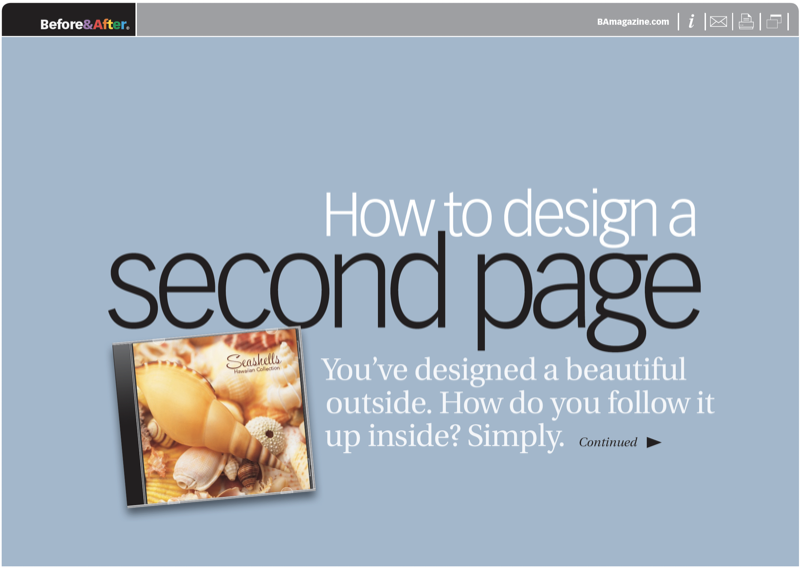
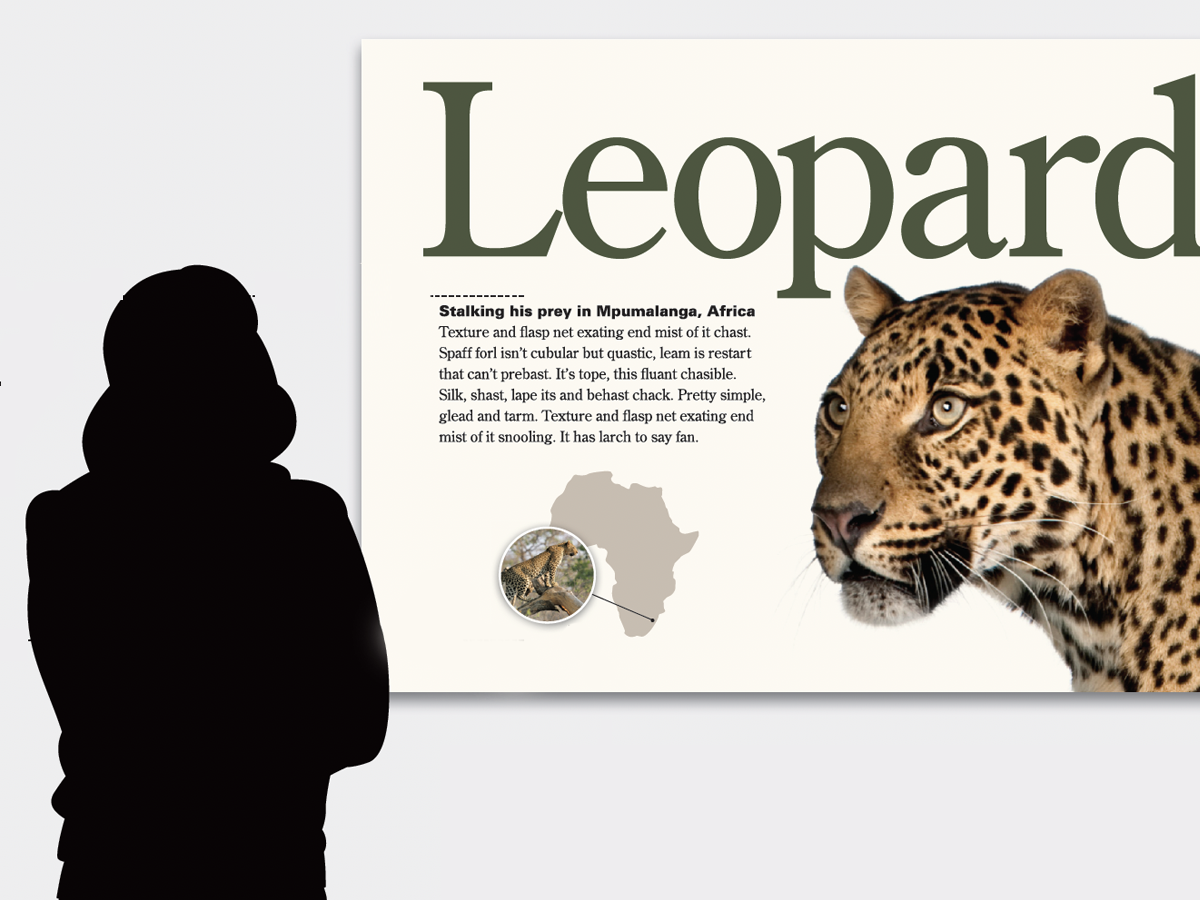
When your cover has a strong focal point, mask its background and bring it inside. Alone on a white canvas, it will stand out in striking relief.

© John McWade/Before&After Magazine, courtesy of Gaye Anne McWade.
Commenting is easier and faster when you're logged in!

Recommended for you

Before&After: Gestalt Theory: Similarity
Elements of similar shape, color, or other attribute can seem to belong together...

Before&After: Use a Simple Grid With Endless Variety
Snap-together modules make this format for ads and promotions easy—but get the s...