



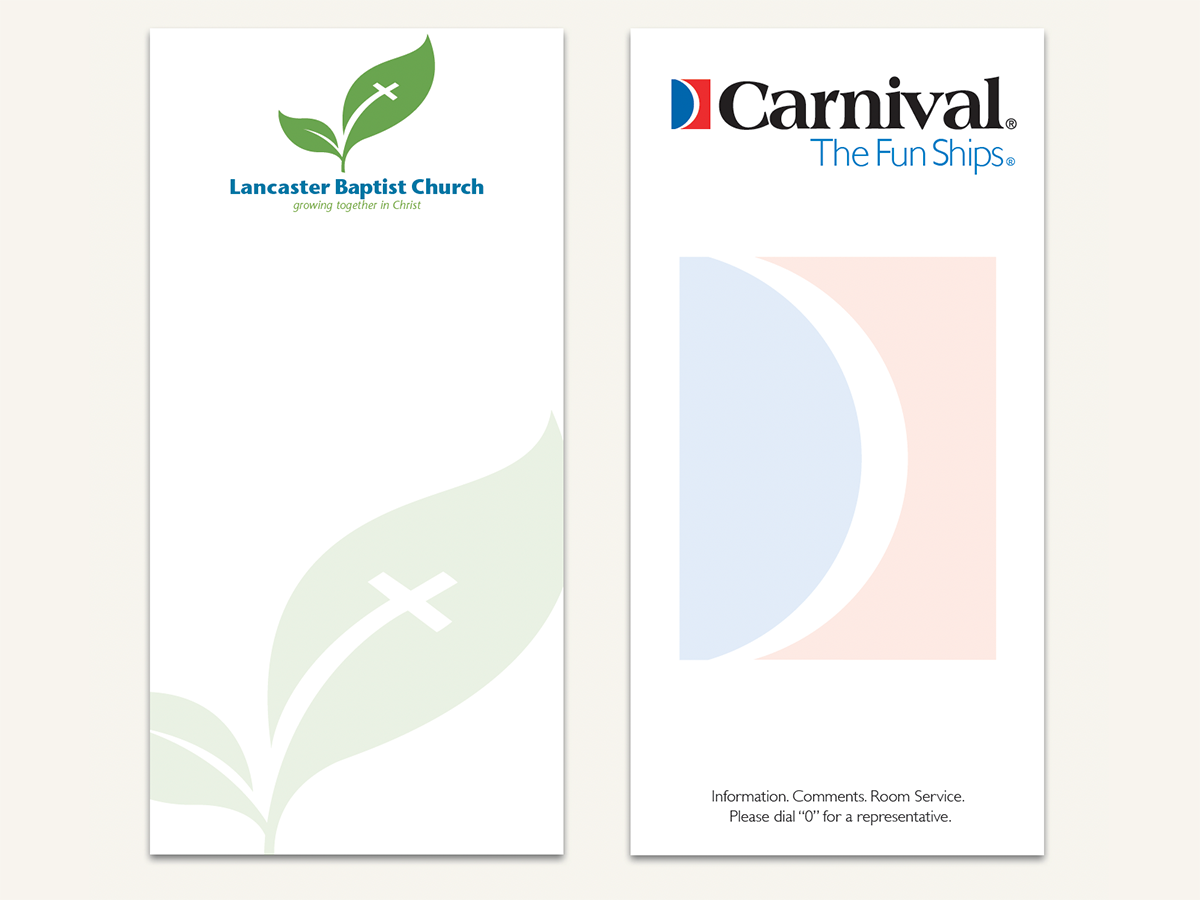
Here’s a quick design tip on collateral from issue 41 of Before&After Magazine.
We’re not big fans of ghosted logos, which are normally overlaid by text, weakening (or obscuring) the image and complicating reading. But here’s a great exception: a 3½ in. × 7 in. notepad that shows off your logo and lets the reader cover it up—s-l-o-w-l-y spending time literally atop your image!
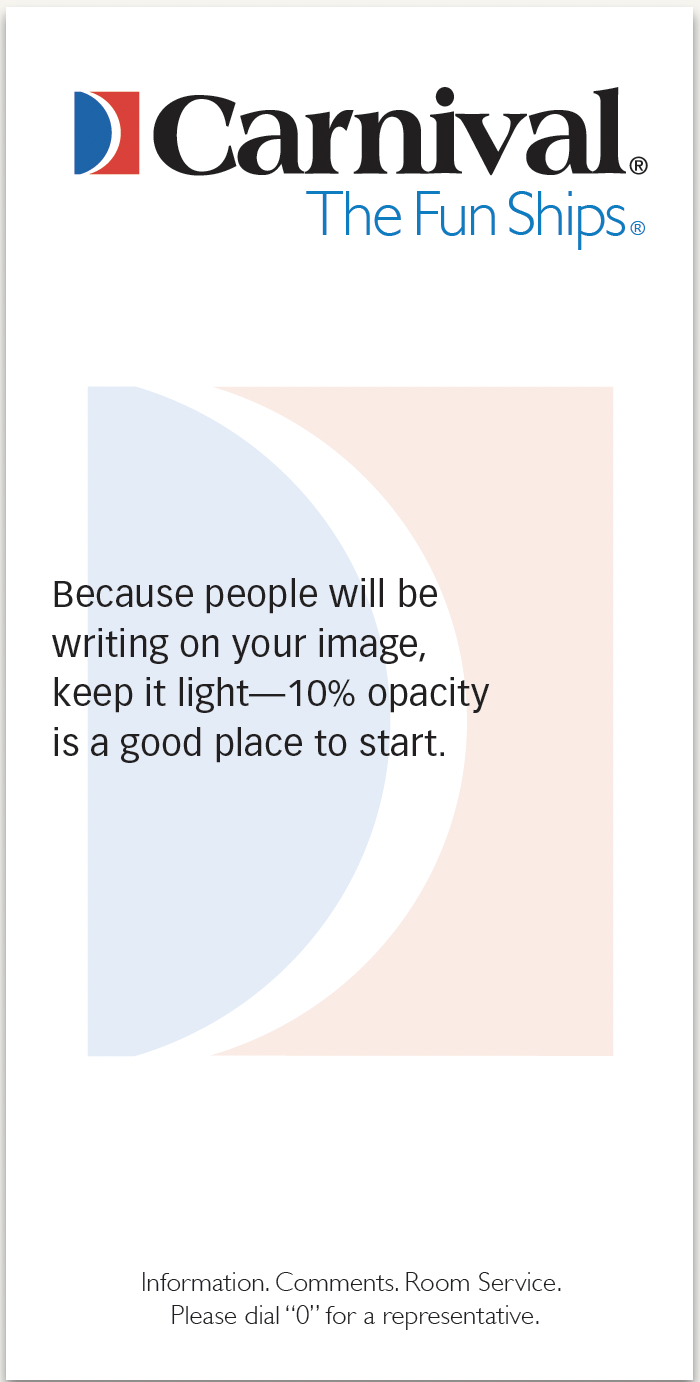
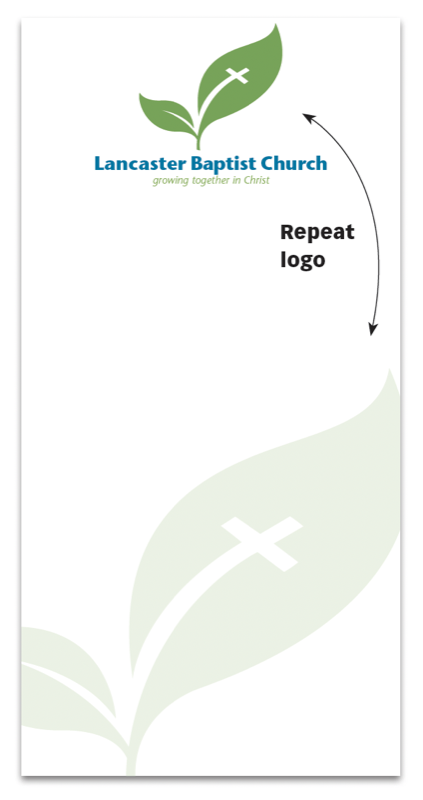
For branding integrity, run the logo normally at full strength, and make the ghost a duplicate.
CreativePro members can download original content from Before&After Magazine, a beloved resource that taught a generation of newly minted digital designers how to design and communicate effectively with the written word. See our archive here.
© John McWade/Before&After Magazine, courtesy of Gaye Anne McWade.
This article was last modified on March 30, 2026
This article was first published on December 15, 2025
Commenting is easier and faster when you're logged in!

Recommended for you

Get Many Images From One Original Photo
This 18-page article from issue 39 of Before&After Magazine shows you how to get...
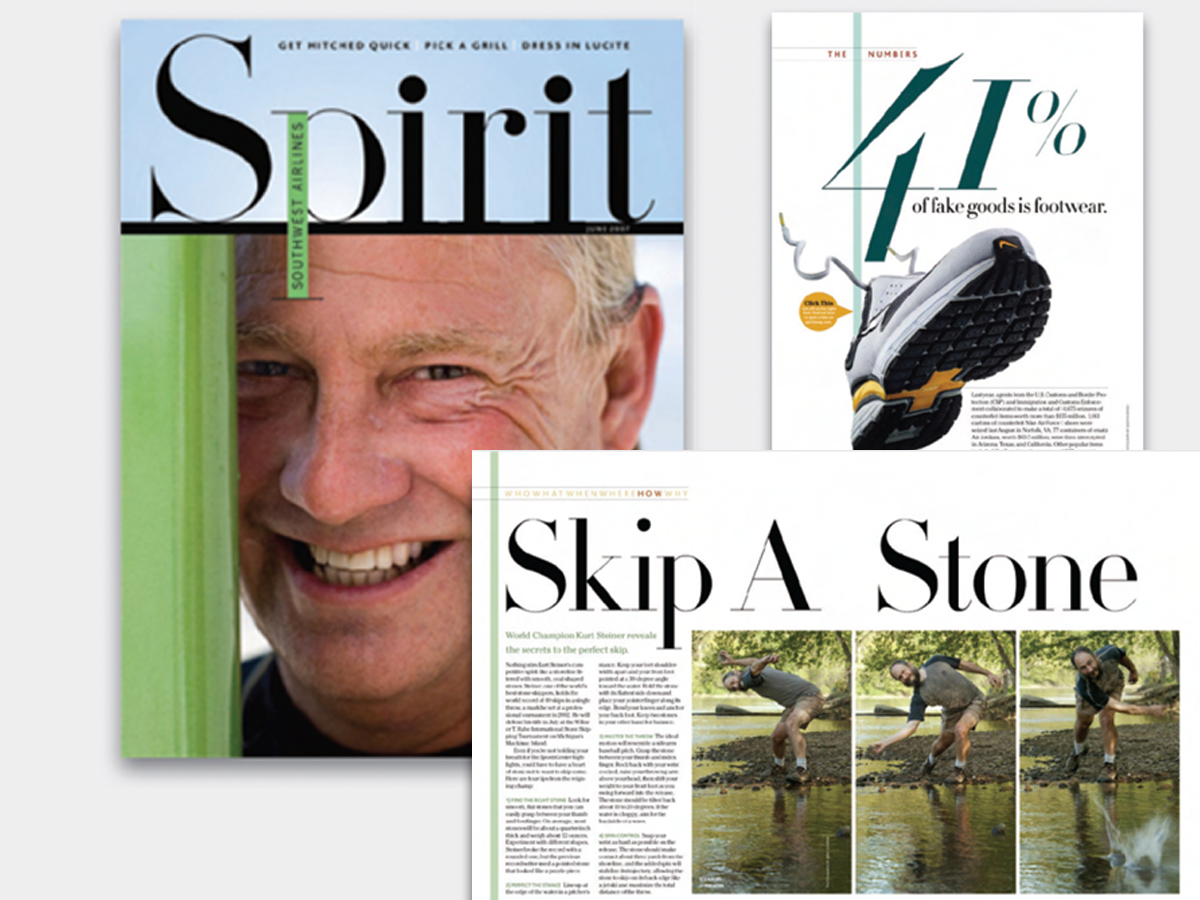
Before&After: Big, Bold, Beautiful
This magazine is a quick read for the busy traveler. Here are the techniques tha...
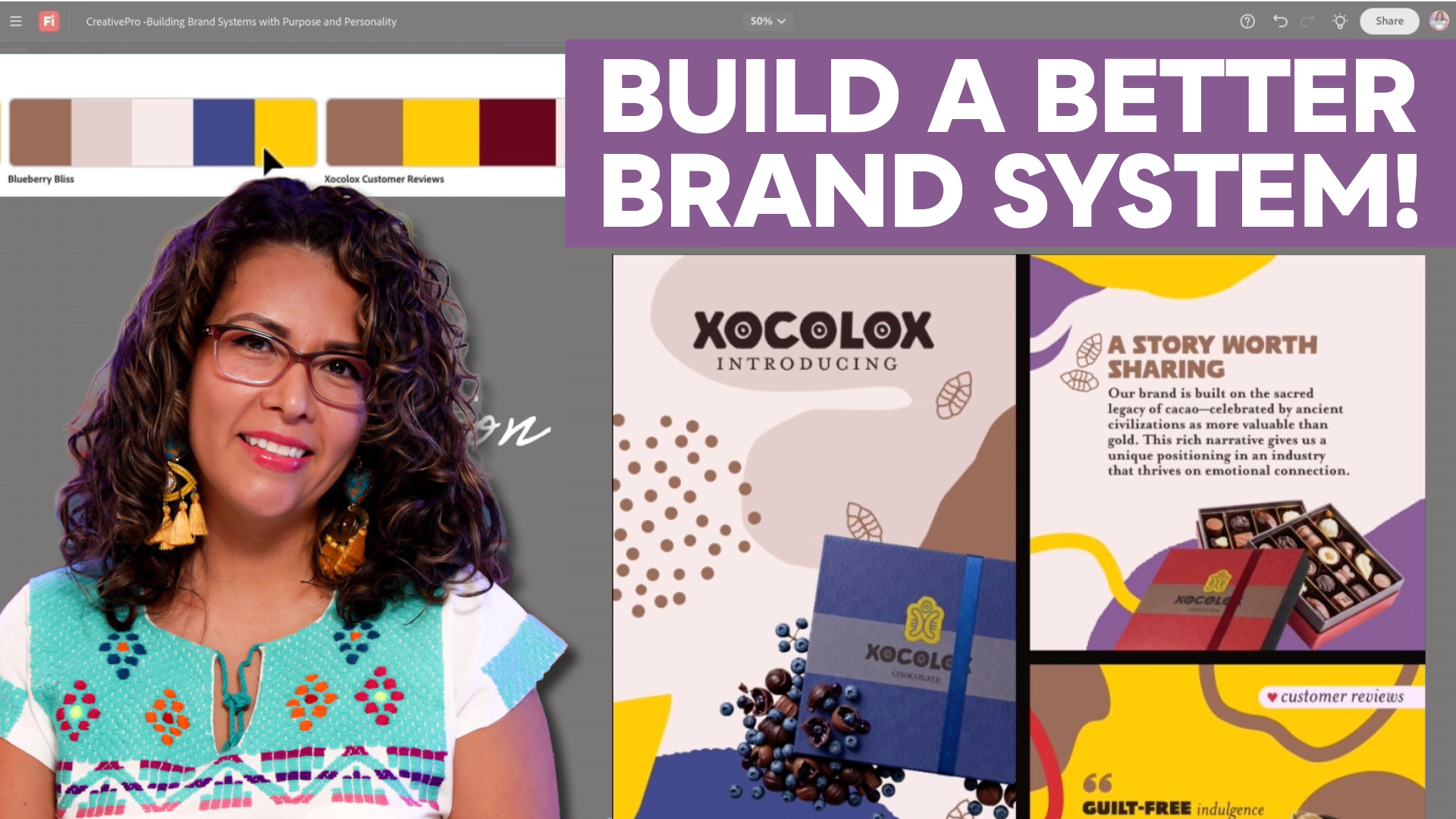
Building a Brand System with Purpose and Personality
Build a more intentional brand system by aligning purpose, audience, and color w...