



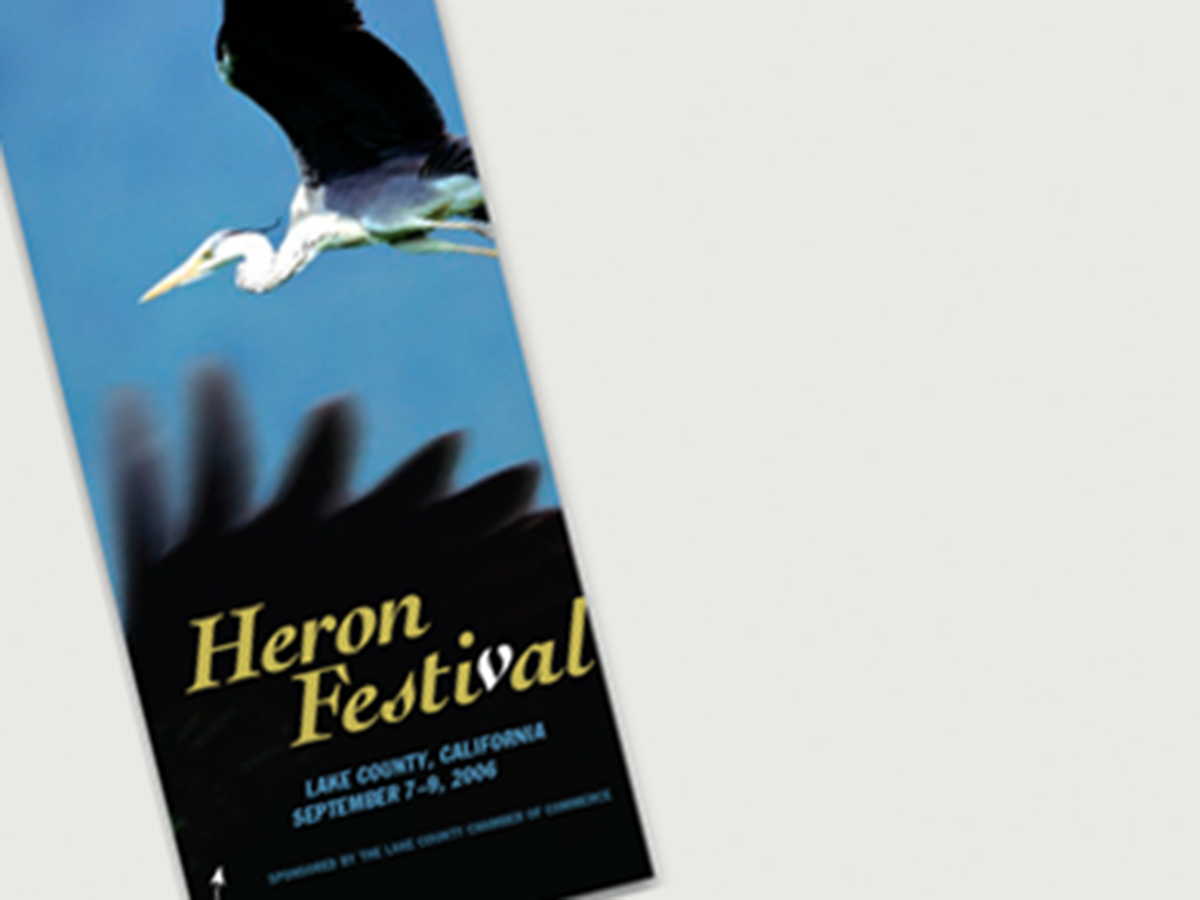
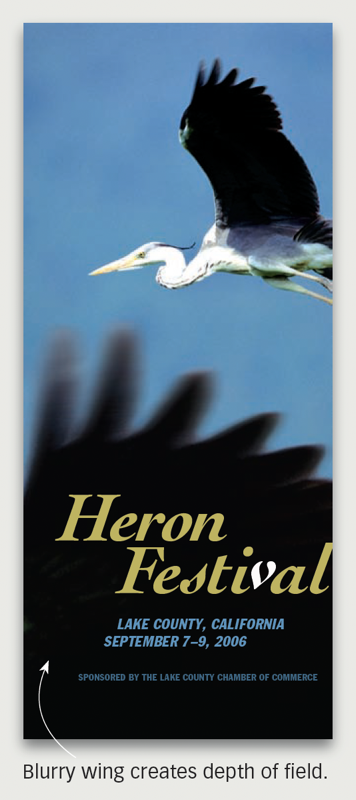
Here’s a quick design tip on how to create space for text over a photo from issue 41 of Before&After Magazine.
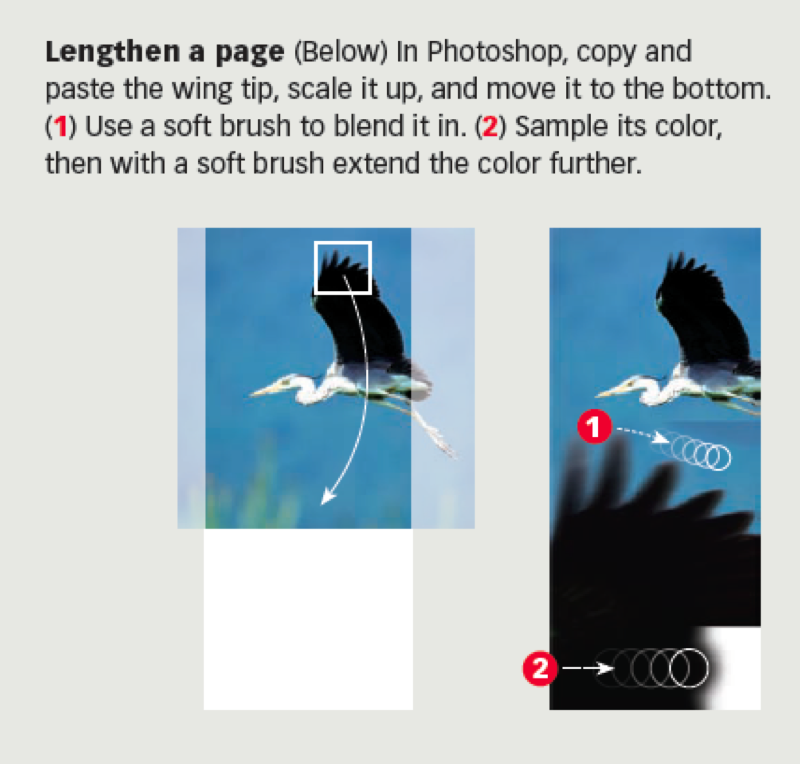
Do you sometimes get a photo that doesn’t have a natural place for text? Or it’s flat and needs some depth? Or it doesn’t fill the space? Try this. Copy a part, scale it up, and carefully blend it in, creating a natural stage.
CreativePro members can download original content from Before&After Magazine, a beloved resource that taught a generation of newly minted digital designers how to design and communicate effectively with the written word. See our archive here.
© John McWade/Before&After Magazine, courtesy of Gaye Anne McWade.
This article was last modified on January 3, 2026
This article was first published on March 7, 2025
Commenting is easier and faster when you're logged in!

Recommended for you

Before&After Design Tip: Multi-Caption Photo Tells Many Stories
Use more than one caption to unpack the detail in an image

Before&After: Gestalt Theory: Continuation
Learn how to use Gestalt theory to explain visual connections.

Before&After Design Tip: Use Text to Supplement an Image
Turn a problematic image into a powerful one