


Before&After: Presentation Lessons from Apple
Members OnlyTimeless lessons from Apple on crafting a perfect presentation
Have an account? Sign in
"*" indicates required fields
You agree that CreativePro Network may send you emails, including the newsletter selections above. You can unsubscribe at any time.
By signing in, you agree to our Terms of Use and acknowledge our Privacy Notice.

New user? Create an account
By signing in, you agree to our Terms of Use and acknowledge our Privacy Notice.
Welcome to the CreativePro archive of Before & After magazine articles.
Published from 1990–2014, Before & After magazine was the gold standard for educational material aimed at professional graphic designers and anyone else who wanted to learn “how to design cool stuff.”
Since the articles focused on design principles and techniques instead specific software, they are “evergreen” and just as relevant today as when they were first published.
You can read about the history of the Before & After magazine, and its founder, John McWade, in this article.
CreativePro members enjoy full access to download Before & After articles in PDF format, which preserves the original look and feel of the magazine.
The shorter design tips are available free to all.
Timeless lessons from Apple on crafting a perfect presentation
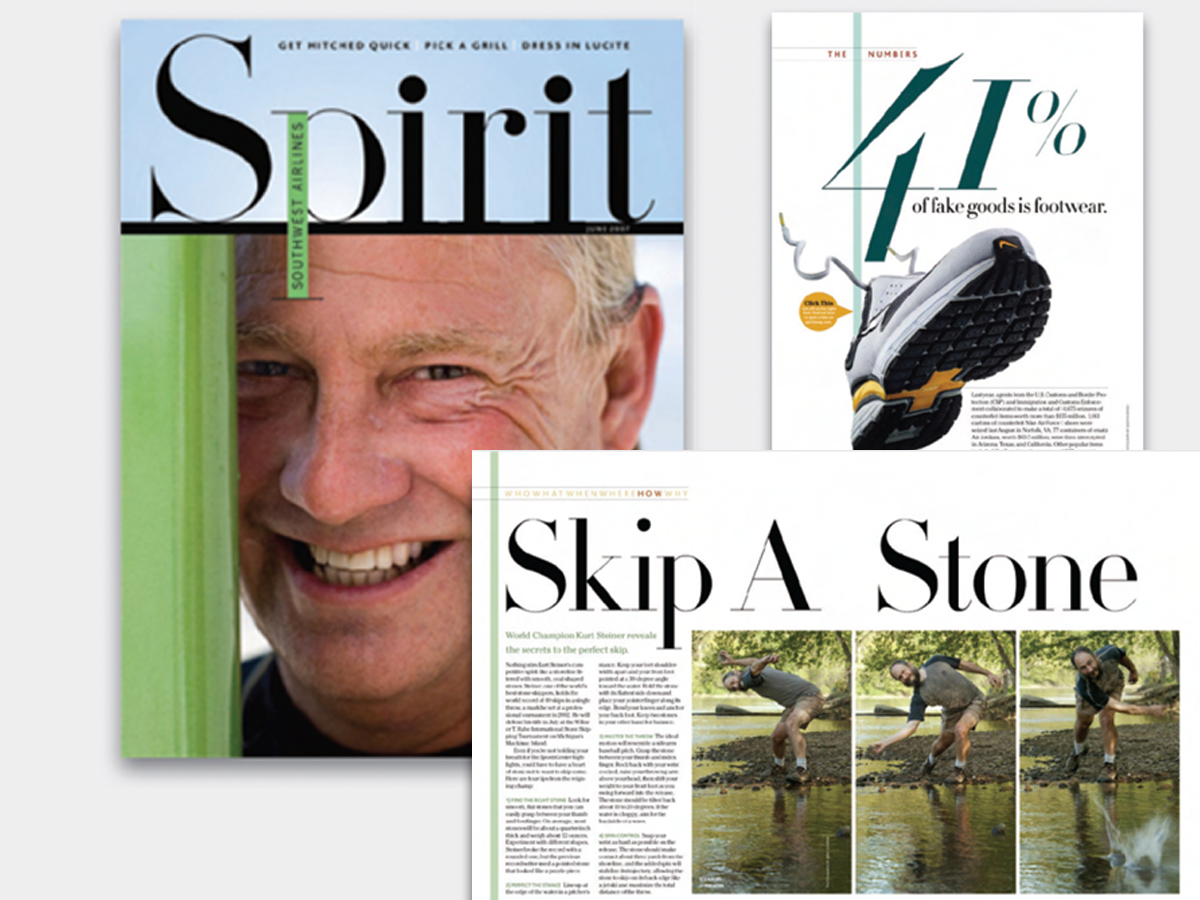
This magazine is a quick read for the busy traveler. Here are the techniques that make it work.

The wide, linear format of a panoramic booklet is excellent for narrative-style presentations, histories, documentaries, catalogs, and so on.

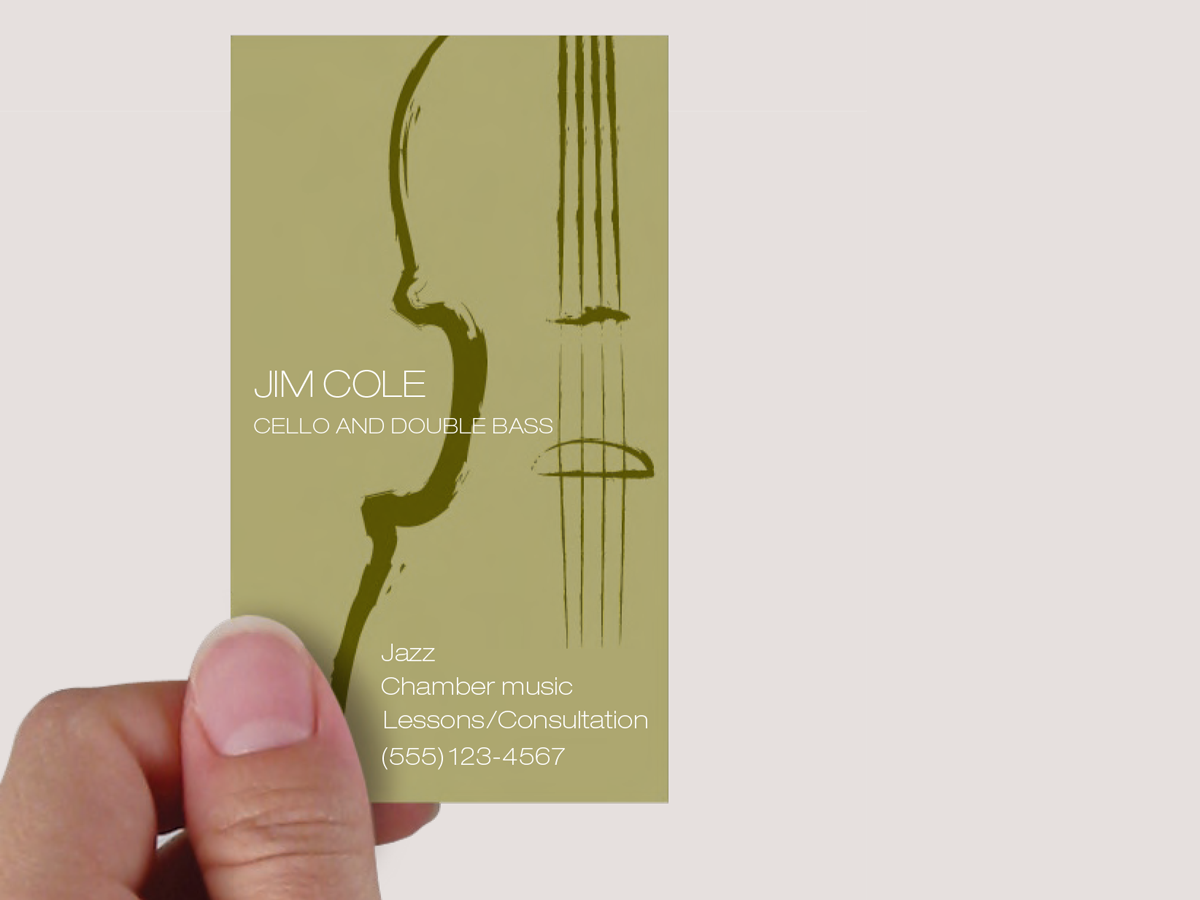
This musician’s business card gets a lot of visual atmosphere out of just a few elements.

A skillfully worded flap on this brochure folds over that appealing face and beckons the reader inside.

Use the same image twice—differently—to fill your space beautifully.

A butterfly graphic creates a focal point, color, and continuity and turns a gray before into a vibrant after

A simple technique to convert a stack of random clutter into a cohesive, smoothly flowing publication that feels open and inviting

A legal-size sheet can serve as your letterhead and provide a bonus, too.

Learn how to use the color wheel—our tool for understanding which colors go with what.

How to pick a typeface that complements a graphic.