Peter Kahrel
About
Peter Kahrel is the author of several eBooks on InDesign and scripting, including GREP in InDesign and Javascript for InDesign, published by CreativePro Network. He is a retired scripting engineer.
Speaking at these events
The InDesign Conference 2026
The essential how-to event for creative professionals who rely on Adobe InDesign.
CreativePro Week 2025
Available for purchase through September 6. On-demand access ends June 6, 2026. CreativePro Week is the world’s best how-to conference to master the tools of…
Articles
See all articlesSkip Style: Format First Lines in Index Sections
Apply a paragraph style to index entries that start a new letter. Optionally insert section headings.
Marginal Notes in InDesign
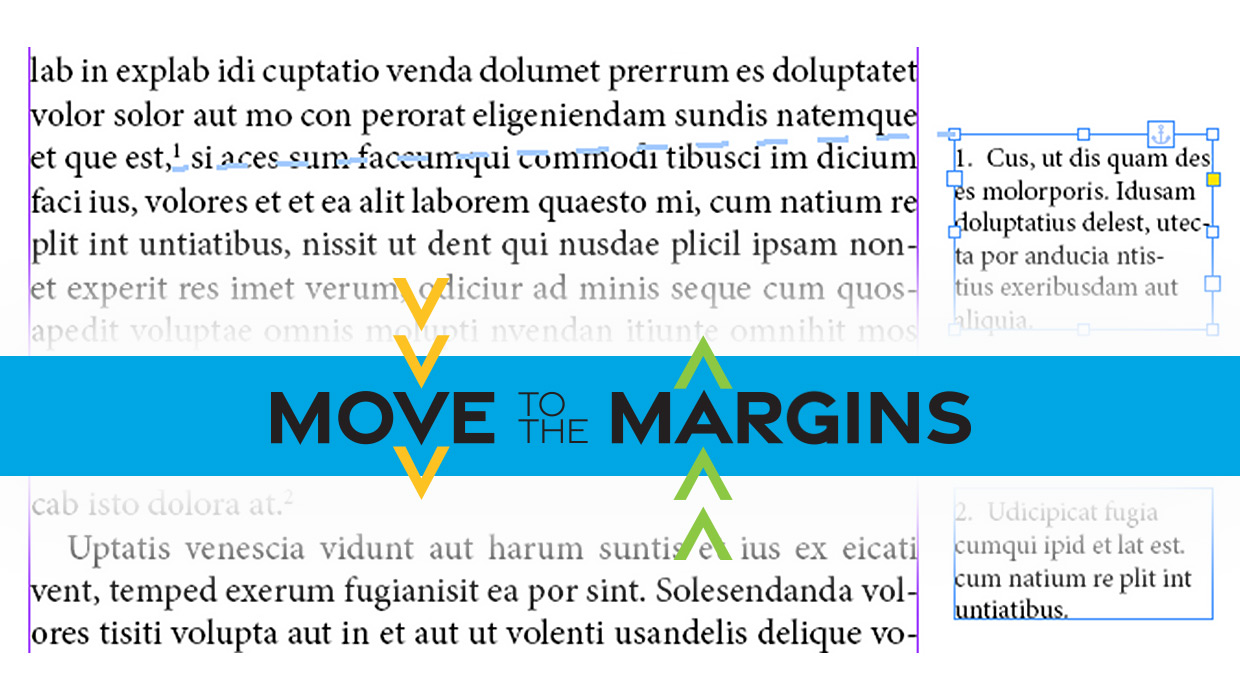
Learn two easy ways to convert footnotes and endnotes to marginal notes in InDesign.
Update Index
When you edit an index, for example to combine entries, you can end up with un-well-formed page ranges such as 2, 16-34, 4-8, 5-10, x, 12-18, ii-iv. The Update Index script fixes this—either the whole index or just the selected entry.
Accessibility-Compliant Table of Contents
InDesign creates hyperlinks for the table-of-contents (TOC) entries when a TOC is generated. These hyperlinks are hidden, they don’t appear in the Hyperlinks panel. They become active when the document is exported to PDF. Click a TOC entry in the PDF and the viewer jumps to the linked page. Those TOC hyperlinks use page destinations. […]
Footnote Spacing (Pre-CC2017)
Adjust the space between main text and single footnotes. InDesign’s setting for the space between the text and the first footnote on a page is document-wide, which is too confining. From CC 2017, the space between text and notes can be set per page.
Rotate Multiple Spreads
If you have many spreads to rotate, even the more easily accessible menu commands for rotating spreads are no good at all. Time for a script to rotate all spreads that contain rotated text frames.
Spread Rotation Menu Commands
Spreads can be rotated using some deeply embedded menu commands. A script can make these commands much more accessible.
Missing Glyphs
InDesign shows missing glyphs as pink boxes. The script can be used to list all missing glyphs in a document and to apply a font to them.
Language-Aware Paragraph Sorter
Sort paragraph (or lines) according to the sort rules of the document’s language. Formatting remains intact.