



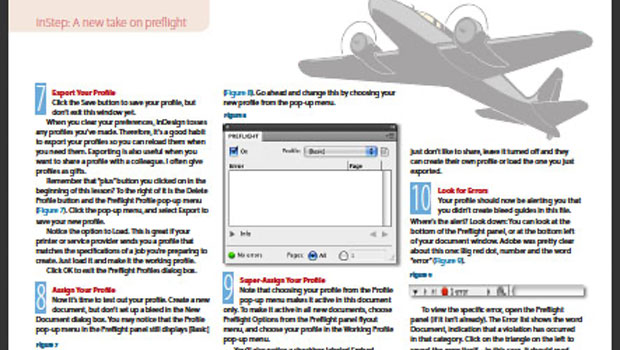
This article is excerpted from the October/November 2008 issue of InDesign Magazine, #26. Buy this issue or subscribe to InDesign Magazine.
If you used InDesign’s preflighting in previous versions, you might have been… underwhelmed. But with CS4, InDesign and powerful, built-in preflight software are a pairing as strong as peanut butter and chocolate, milk and cookies, maybe even as good as the Captain and Tennille.
CS4 is not only capable of preflighting a comprehensive list of potential problems, but it does it while you work—like a pre-preflight. You can set up the Preflight to watch you work and warn you of potential problems as they occur, not at the last moment, just before your deadline… Unless, of course, you cause a problem just before deadline.
This article will guide you step-by-step through the creation and implementation of a basic preflight profile and show you how to read an error report.
NOTE: If you use an earlier version of InDesign and are looking for preflight and printing tips, see “But Will It Print?”
To download the article as a PDF, click on this link to box.net or on the image below.
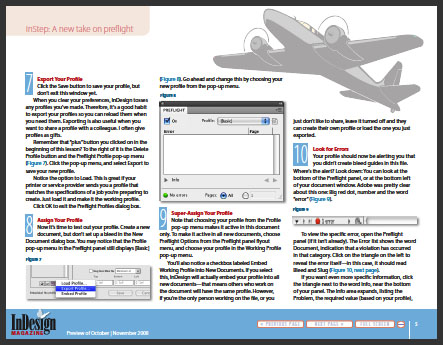
To open the PDF, you’ll need Adobe Acrobat or Adobe Reader. We highly recommend Adobe Reader 7.0 or above to view this PDF. Download the latest Acrobat Reader here.
To learn how to configure your browser for viewing PDF files, see the Adobe Reader tech support page.
This article was last modified on December 17, 2022
This article was first published on June 10, 2009
Commenting is easier and faster when you're logged in!

Recommended for you

Don’t Ask Your AI to Identify a Font
When it comes to identifying typefaces in images, artificial intelligence isn't...

Filtered File > Open Dialog Box
Here's a way to filter file types in your Open File dialog box.

Closed Captioning in Premiere
Add captions to your Premiere video to ensure everyone benefits from its audio t...