



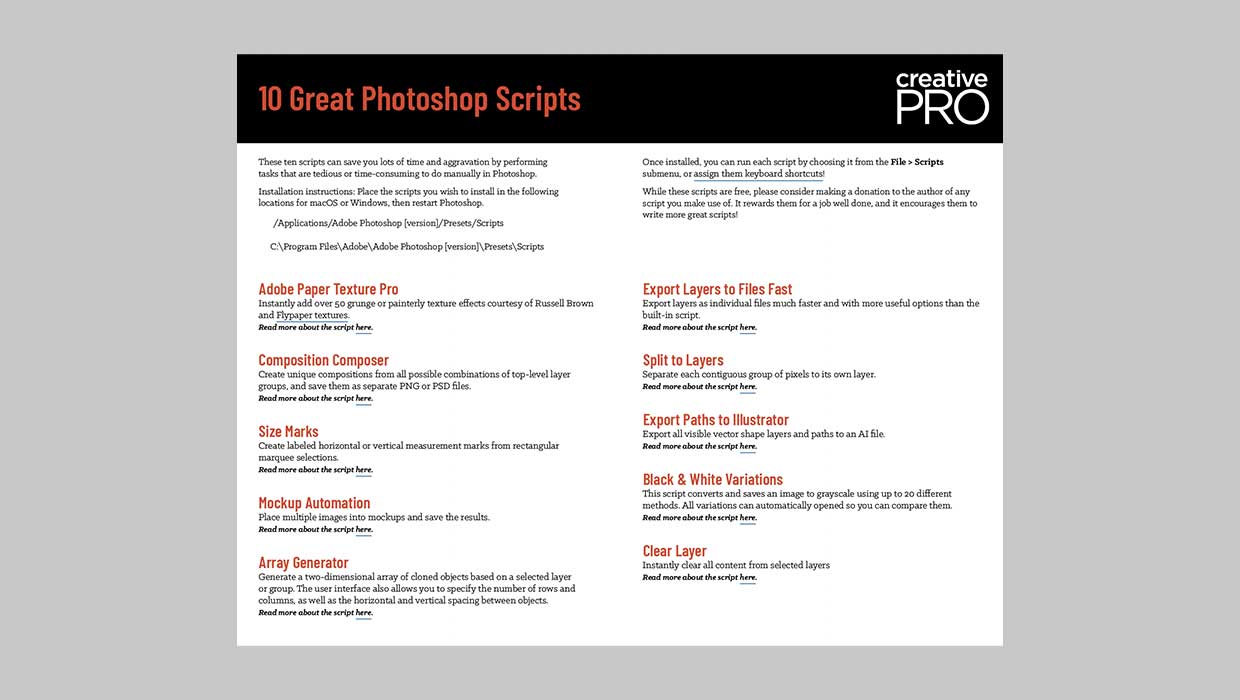
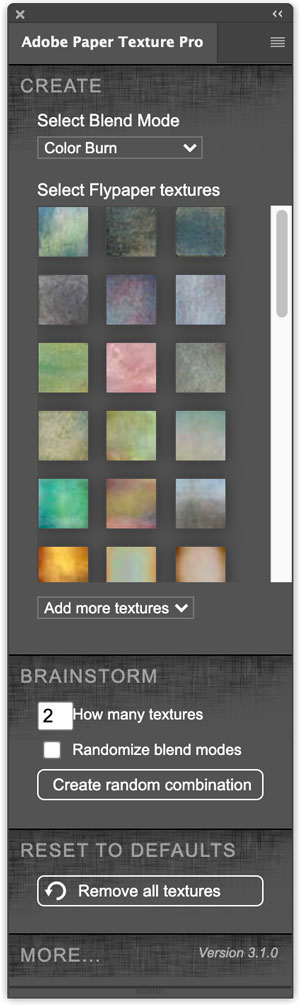
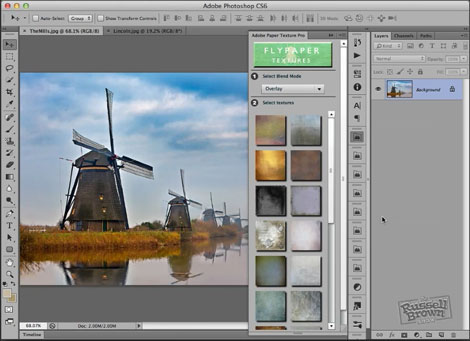
You can completely change the mood evoked by an image by adding textures and blend modes in Adobe Photoshop. And one super cool way to do that is to use the Adobe Paper Texture Pro panel, which you can download from Russell Brown’s website. Or, if you’re a CreativePro member, you can get it as part of our 10 Great Scripts for Photoshop downloadable.
Even though it was created several years ago, it still works in Photoshop 2023.
Since it comes in an extension file, the process for installing the panel is different from that of other scripts. Anastasiy’s Extension Manager is a great free tool for the job.
Once installed, you can use the included sampler set of twenty textures from Fly Paper Textures, and select blending modes to combine them with your images. You can also select a folder of your own textures and load them into the panel, and check out the video Russell has created demonstrating how to use it.
This article was last modified on May 4, 2023
This article was first published on February 21, 2013
Commenting is easier and faster when you're logged in!

Recommended for you

Using Photoshop’s Generative Fill to Remove Objects
Learn how to simply remove items from an image in Photoshop, without extra conte...

Snapheal offers high-end photo retouching at a low cost
Without a doubt, one of the most amazing features of Photoshop CS5 and CS6 is co...
Use the History Log to Make Photoshop Take Notes For You
Have you ever finished a complex sequence of steps in Photoshop, and later wishe...