




If you like working with Photoshop FX, check out a free extension available on Adobe Exchange called tomaxxiFXcolor.
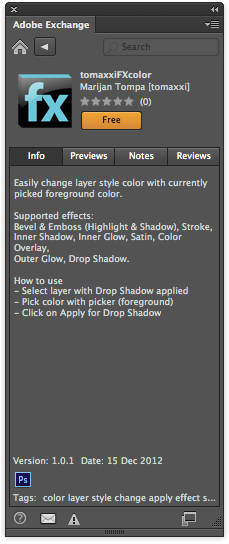
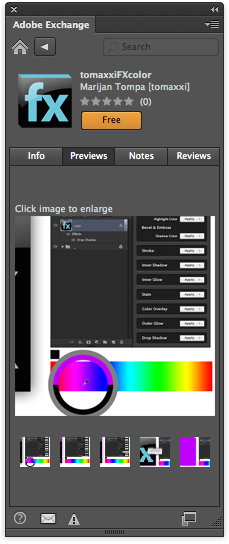
It simply allows you to apply the current foreground color to effects
like Bevel and Emboss, Drop Shadow, Stroke, Color Overlay, etc, with a single click. Normally, if you wanted to change the color used in those effects to the foreground color, the process involves a multi-click trip through the Layers panel, the Layer Styles dialog box, the Color Picker, and the Tools panel. With tomaxxiFXcolor, it’s a one-click operation. You just click the Apply button for the effect you want to change (on the currently selected layer).
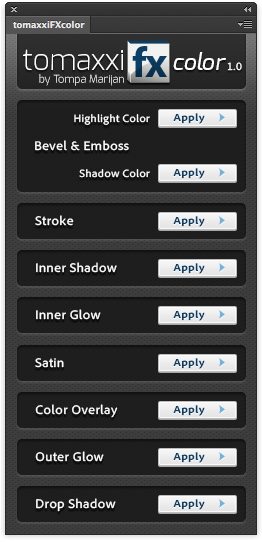
This article was last modified on December 17, 2012
This article was first published on December 17, 2012
Commenting is easier and faster when you're logged in!

Recommended for you
Photoshop How-To: Aging Metal Textures
If, like me, you like the patina of aged, rusty metal, then this Photoshop trick...

Building an Underwater Scene in Photoshop, Part 1
The Oscar-winning film The Shape of Water opens with a stunning sequence in whic...

Top New Features in Photoshop
A little over a week ago, Adobe rolled out updates for Photoshop, Muse, and the...