



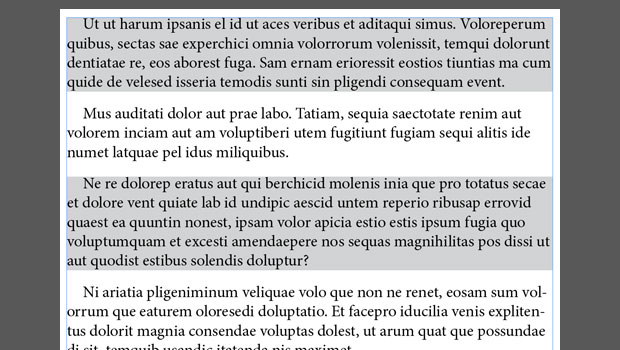
Tables offer the possibility to apply shading to alternate rows. But when it isn’t possible or desirable to convert a list of paragraphs to a table just to apply alternate shading, the shading can be applied by a simple GREP query.
The first step is to create a copy of the paragraph style and to apply the shading. In InDesign CC2017 and later you can use paragraph shading, in older versions you can use paragraph rules or underlining.

To apply alternate shading, open the Find/Change window (Edit > Find/Change or Ctrl/Cmd+F) and activate the GREP tab if it isn’t already (Ctrl/Cmd+2). In the ‘Find what:’ field, enter this expression:
\r.+\r\K.
and in the Change Format panel, select the shading paragraph style.
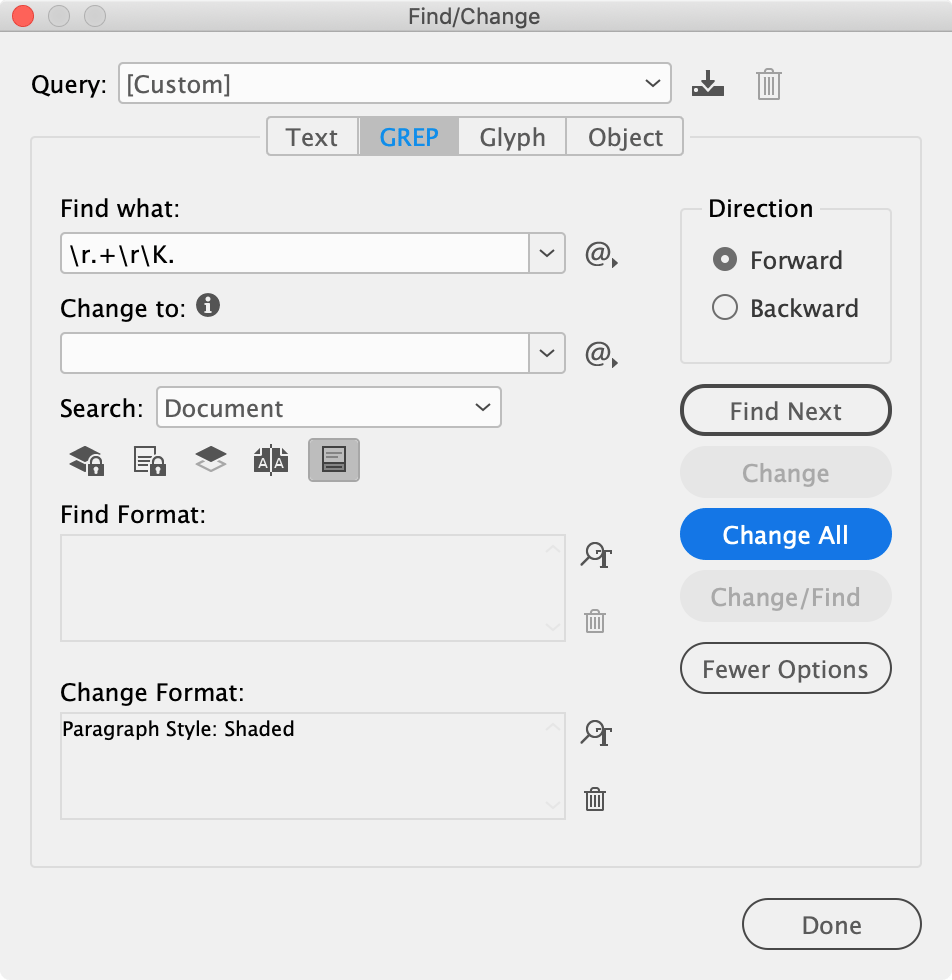
The expression can be paraphrased as follows:
Find two paragraphs \r.+\r followed by any character., but don’t capture the two paragraphs \K.
The two paragraphs matched by \r.+\r are in a so-called variable-length lookbehind so that the shading style is applied only to the character (and therefore its whole paragraph) matched by the dot after \K.
Before Find/Change
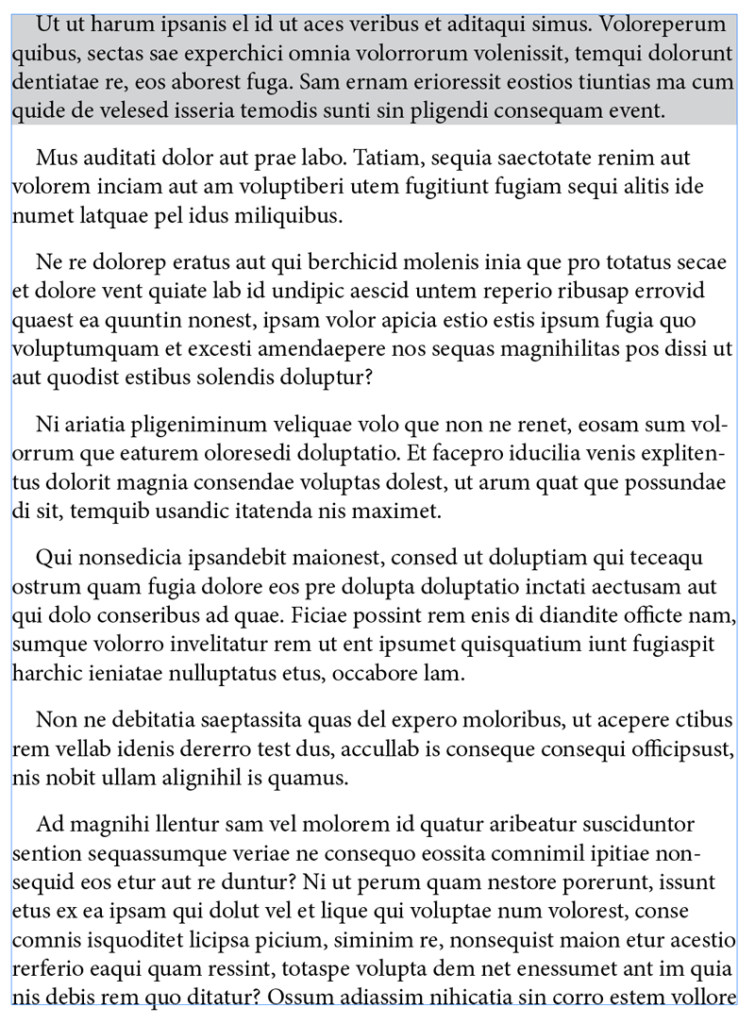
After Find/Change

Two things to note. First, you need to apply the shading paragraph manually to the story’s or the selection’s first paragraph. That’s because the query looks for two consecutive paragraphs, so the first paragraph is ignored. Secondly, if you add or delete any paragraphs, you have to rerun the query. First apply the non-shading paragraph style to the whole story, then run the query again.
Commenting is easier and faster when you're logged in!

Recommended for you

Add a Digit with GREP Groups
A simple introduction to grouping GREP expressions shows how easy it is to manip...
Swap Names Around with GREP and Find/Change
Joe needs to convert all his captions in the form LastName_FirstName.jpg into "F...

Free Script to Rotate Selected Characters
InDesign allows you to rotate text characters if you convert them to outlines. B...