




Ever wish you could quickly invert a selection like you can in Illustrator or Photoshop?

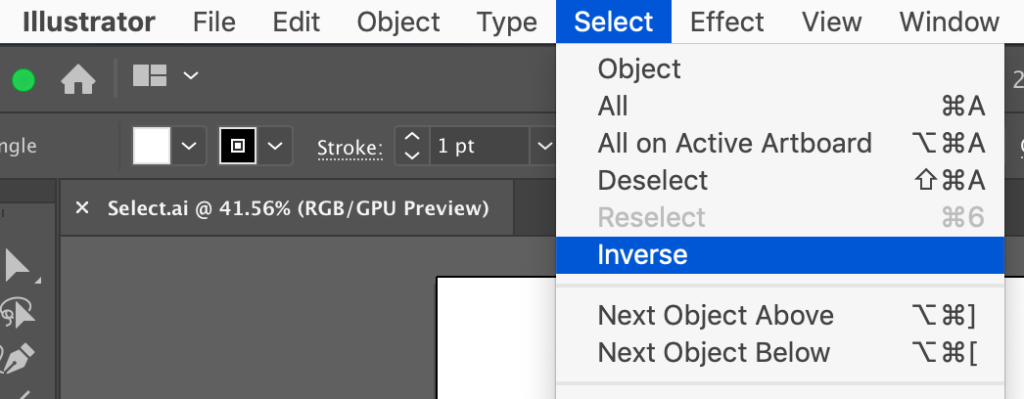
It’s a feature that comes in very handy sometimes when it’s easier to grab the thing you don’t want, then select the opposite. But InDesign has no built-in Select Inverse feature. But there is a free script you can grab and install that will do the trick. It’s by Luis Felipe Corullón, and you should check out his website for lots more cool scripts (some are free, some are paid).

Before running the script

After running the script
Once you have installed the script, assign a keyboard shortcut so inverting selections is just as easy in InDesign as it is in the other Adobe apps.
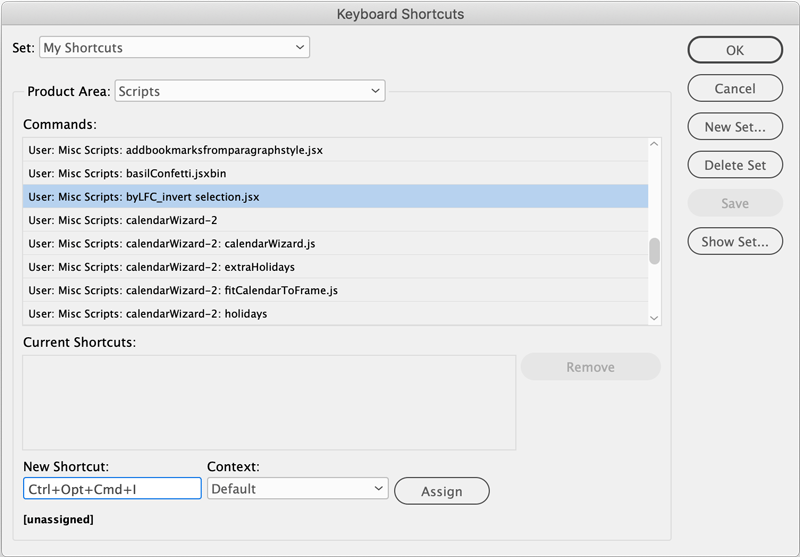
Thanks, Luis!
This article was last modified on June 27, 2025
This article was first published on May 8, 2019
Commenting is easier and faster when you're logged in!

Recommended for you

InQuestion: Making Colors Match Between Photoshop and InDesign
Q. My company is printing promotional brochures for an upcoming trade show. Beca...

100 Free InDesign Scripts
Free for the taking: a heaping helping of features that make InDesign better, fa...
InDesign How-to Video: Find Text Between Two Characters
In this week’s InDesignSecrets video, Erica Gamet demos how to find text in InDe...