




This InDesign tip on how to tidy up your tables was sent to Tip of the Week email subscribers on September 28, 2017.

Sign up now and every week you’ll get a new tip, keyboard shortcut, and roundups of new articles, plus exclusive deals sent right to your Inbox!
Just scroll down to the bottom of this page, enter your email address, and click Go! We’ll take care of the rest. Now, on with the tip!
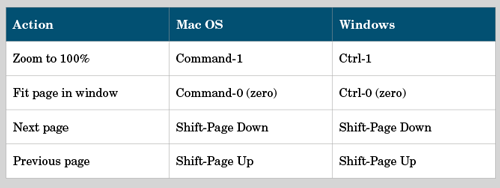
Dealing with a table that looks messy because the columns or rows are unequal in width or height?
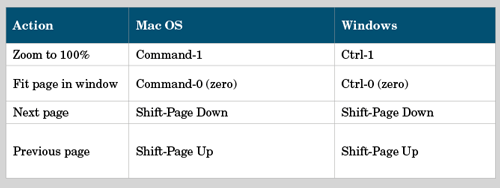
You don’t have to spend a lot of time fixing them manually. Instead, let InDesign do the work. Just select the desired range of columns or rows and choose Table > Distribute Columns Evenly and/or Table > Distribute Rows Evenly. Voila! Tidy tables.
This article was last modified on July 25, 2019
This article was first published on October 3, 2017
Commenting is easier and faster when you're logged in!

Recommended for you


How to Extract a Table from a PDF in Acrobat
Get your data out of a PDF and into an Excel Workbook with this quick Acrobat tr...