




This article was last modified on February 8, 2016
This article was first published on
Commenting is easier and faster when you're logged in!

Recommended for you
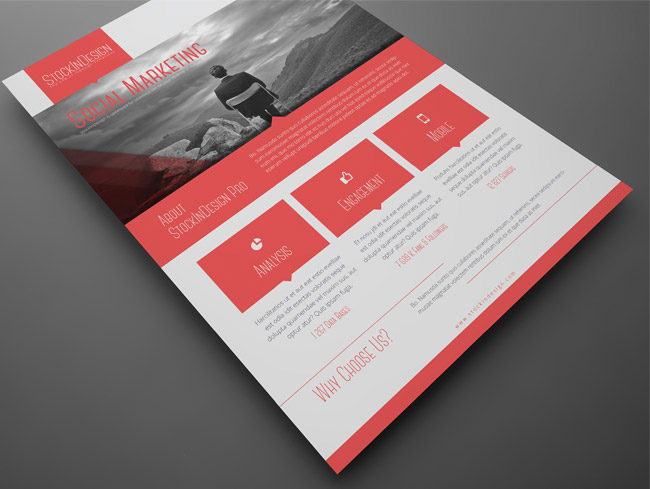
Corporate Flyer Templates
This is an awesome set of corporate flyer templates from StockInDesign, in InDes...

Before&After: Picture Your Group
Have a dozen or more mug shots? A grid of squares gets that gang of yours lookin...

Search Flickr for Source Material with New Free Tool
When I'm looking for inspiration, or I want to see what kinds of images other pe...