




This tip was sent to Tip of the Week email subscribers on February 4, 2016.

Sign up now and every week you’ll get a new InDesign Tip of the Week and Keyboard Shortcut of the Week, along with roundups of new articles at InDesignSecrets, plus exclusive deals sent right to your Inbox!
Just scroll all the way down to the bottom of this page, enter your email address, and click Go! We’ll take care of the rest. Now, on with the tip!
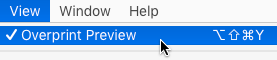
Are you working with spot colors? Turn on Overprint Preview (View > Overprint Preview) and keep it on so that what you see onscreen will be closer to what you get from your printer.
This article was last modified on July 25, 2019
This article was first published on February 9, 2016
Commenting is easier and faster when you're logged in!

Recommended for you

Eco-Friendly Inks
This story courtesy of PaperSpecs.com. I almost fell off my chair at a recent se...
Nashville Notes: Maker Mornings at CreativePro Week
Each day of CreativePro Week starts with a hands-on artistic experience
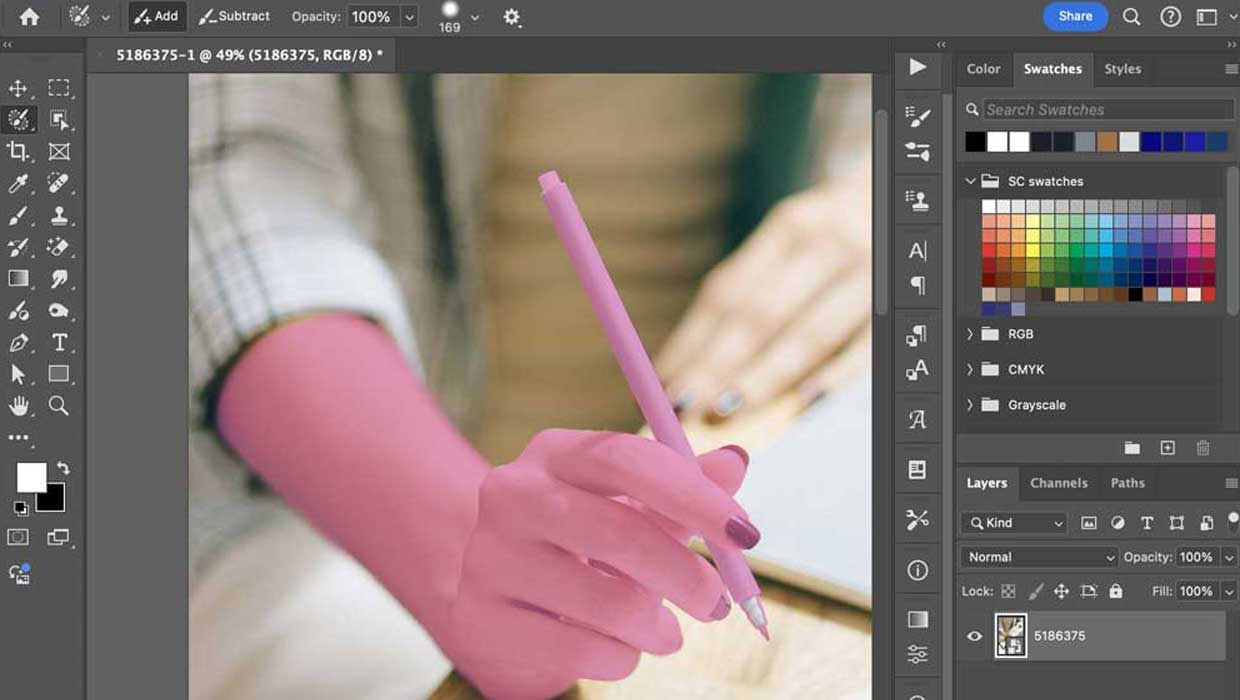
Using the Selection Brush in Photoshop
Learn how to use the Selection Brush, which lets you make complex selections qui...