




This article was last modified on March 6, 2015
This article was first published on
Commenting is easier and faster when you're logged in!
Loading comments...

Recommended for you
Article
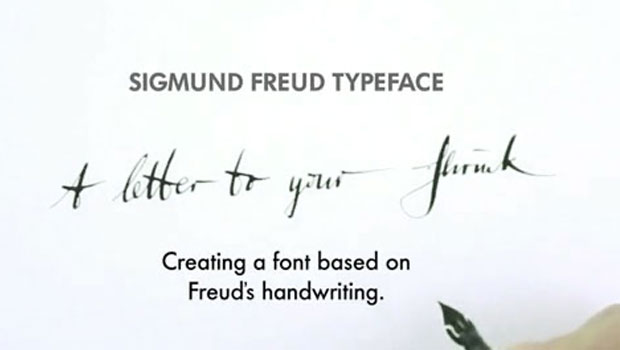
Freudian Glyphs: The Sigmund Freud Typeface
Let’s “kick” off the week with a cool new font-related Kickstarter project. This...

Article
Words Hyphenating Wrong in InDesign
P.G. wrote: I am proofing an InDesign document, and it has some awful hyphenatio...
Article
Fixing Links to Missing Stories
Theoretically, if you're doing everything right, you should never see this icon...