




One of the features that recently debuted with the English version of InDesign CC 2014.2 is a new Welcome screen, sporting four panels full of links to recent documents, videos, forums, InDesign Help, and more.


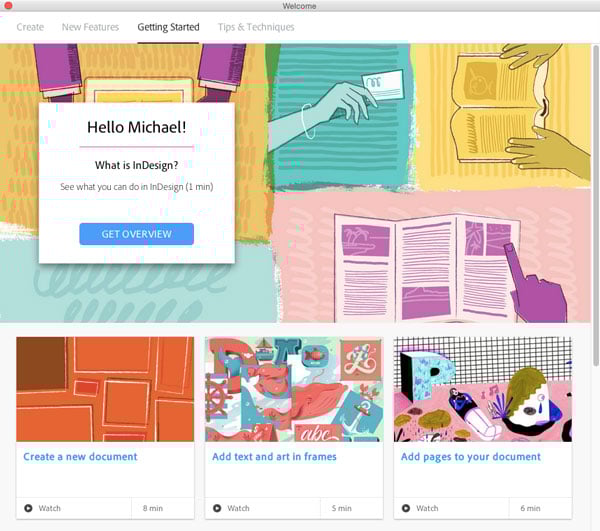
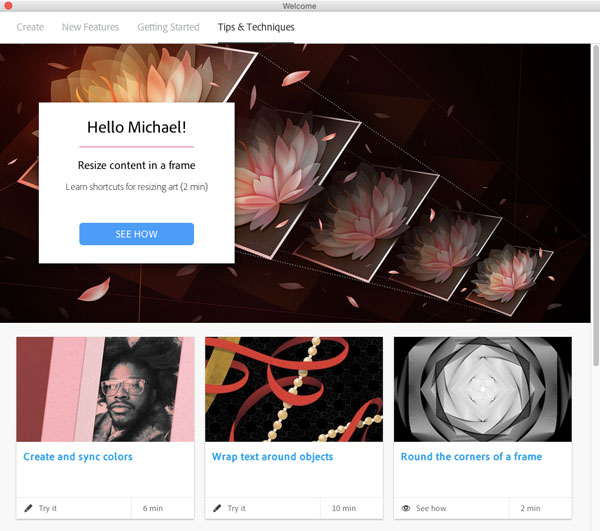
About all it’s missing is a link to InDesignSecrets…and an obvious way to tell InDesign you don’t want to see the Welcome screen any more.
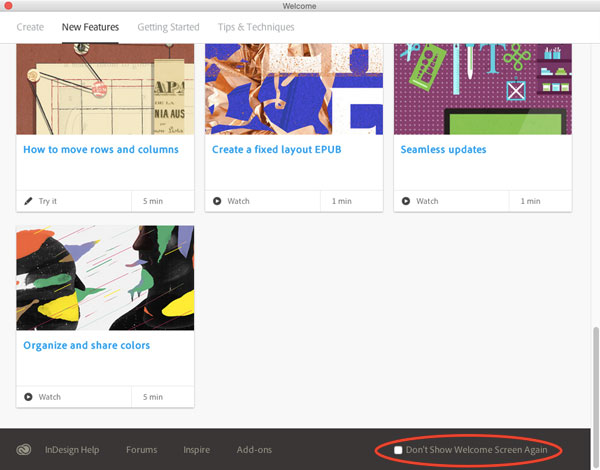
There’s nothing on the first tab of the Welcome screen that will allow you to turn it off permanently. Instead, what you need to do is click on any of the other three tabs (New Features, Getting Started, or Tips & Techniques) and scroll down to the bottom, where you can see the checkbox for Don’t Show Welcome Screen Again.
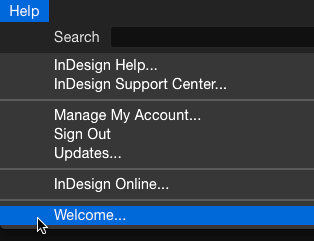
And if you change your mind later, you can always display the Welcome screen by going to InDesign’s Help menu and choosing Welcome.
This article was last modified on July 25, 2019
This article was first published on March 4, 2015
Commenting is easier and faster when you're logged in!

Recommended for you
Resizing InDesign Layouts with AI
Most designers don’t create a single deliverable anymore. They create campaigns....

Nashville in Focus: CreativePro Week 2026 Photo Walks
A look at Music City through the lenses of the CreativePro community

Remove Blemishes in Photoshop With a Click
Khara Plicanic shows us how to remove blemishes from skin in Photoshop with just...