



One of the best things about creating PDF forms in InDesign is that you have all of InDesign’s type and layout features at your disposal to help you efficiently design great-looking forms. And in the latest InDesign Secrets video at lynda.com, David Blatner shows how to take advantage of some of those features (like tables and paragraph rules) when you’re making forms.

In the video, David reveals a trick for making form fields visible with a background color, by creating paragraph rules that take up any space not filled with text. And by creating a style that applies paragraph rules, David also shows two other important benefits of this technique. First, all form fields can be formatted at once. Second, the formatting is responsive. So when the text is edited, the position of the form field background colors is automatically updated to fit the space.
So check it out in the InDesign Secrets video series at lynda.com, it’s form-i-dable.
This article was last modified on March 5, 2025
This article was first published on November 10, 2014
Commenting is easier and faster when you're logged in!

Recommended for you

Poll Results: Do non-designers edit your InDesign documents?
The results of our poll asking if you still use Flash (SWF) and a new poll on wh...
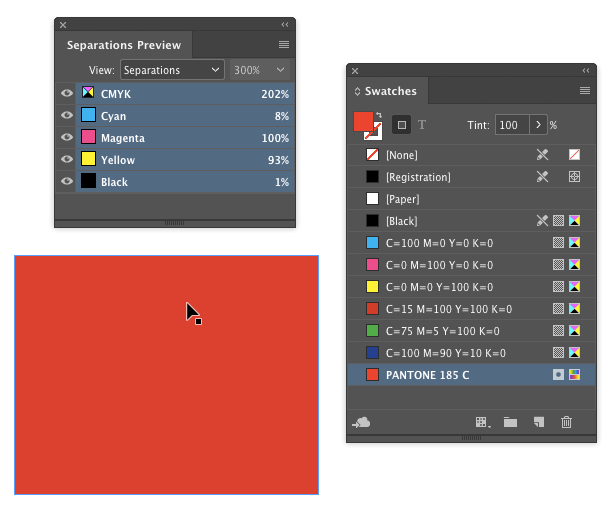
Tip of the Week: Using the Ink Manager
How to use the Ink Manager in InDesign to prevent unwanted spot colors from show...
The Case of the Failed Find Contest Answer and Winner
The solution to our latest InDesign mystery revealed.