



This article was last modified on June 14, 2014
This article was first published on
Commenting is easier and faster when you're logged in!
Loading comments...

Recommended for you

Article
TGLC Launches New Software to Create ICC DeviceLink Profiles
TGLC inc. announced the launch of its new PerfX Device Link™ softwares, made to...
Article
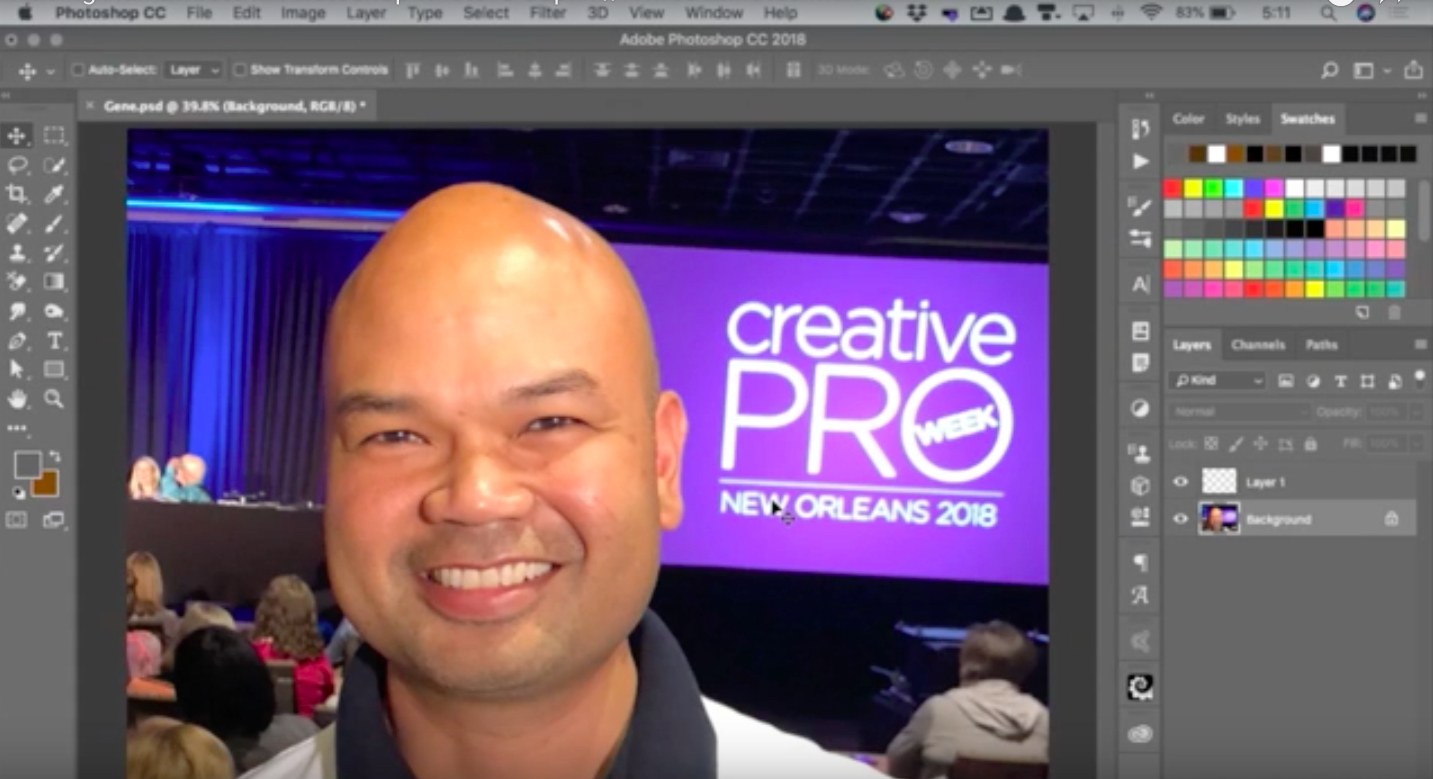
CreativePro Video: Adding Hair Effects in Photoshop
In this week’s CreativePro CreativePro video, Steve Caplin uses Photoshop to mak...

Article
The Typographic Desk Reference, 2nd Ed.
Attention type lovers, users, and geeks! It is rare that I write about or endors...