Need to learn InDesign fast? You can learn the basics — enough to get up and running — in just 25 minutes with this new video course at lynda.com called Getting Started with InDesign.
Okay, I should say it’s not technically “new.” To be candid, we took the first five movies from my 9-hour title called InDesign Essential Training, added a new intro and conclusion, and spun it off into its own short title.
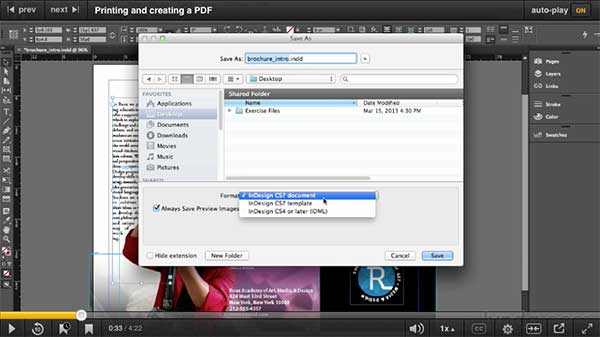
The title is a no-nonsense “just the basics” overview of building a document in InDesign, covering how to place text and graphics, move stuff around, and then print, save, or export as PDF:
There is no doubt that once you finish this title, you will:
- …be able to get a quick little job finished (like if your boss just handed you something and you have to do it right now, before lunch!)
- …be hungry to learn more about InDesign. That’s when we hope you’ll jump over to the Essential Training title.
And, since I’m pitching my titles, I might as well go hog-wild and encourage intermediate and advanced users to watch:
Of course, if you don’t have a membership to lynda.com, you can get a free trial week here. You can watch a lot of movies in a week!
Enjoy!
This article was last modified on March 5, 2025
This article was first published on June 5, 2014
Commenting is easier and faster when you're logged in!

Recommended for you
Essential Illustrator Shortcuts
Save time with Kat Kremser's cheat sheet of Illustrator shortcuts!

What’s New in Photoshop 27.10
The August 2026 release brings a range of new tools and techniques—plus a comple...