



BeLight Software releases Art Text 1.2, an update to its software for creating textual graphics, logos, web banners and buttons. The update adds 36 pre-designed styles including Web 2.0 category, 19 new shading materials and the ability to create your own using an image. The update is free for all current Art Text users: https://www.belightsoft.com/arttext/
Art Text 1.2 version changes:
- 36 pre-designed styles added.
- Option to set export area size in pixels.
- 19 new shading materials became available.
- Option to create Custom Material using an image was added.
- 70 pictograms were added.
- Horizon-Spline and Curved Text transformation types were added.
- Spline-Curve transformation got the ability to transform text with multiple number of spline-parts.
- LinkBack technology supported, which allows to import the result into other LinkBack supporting applications for editing it. (www.linkbackproject.org)
Complete list of changes at: https://www.belightsoft.com/products/arttext/versch/versions.php
About BeLight Software:
BeLight Software is an innovative Mac development company based in Odessa, Ukraine. In less than 4 years on the market, the company gained numerous rewards for producing powerful and easy-to-use Mac applications. Specifically, BeLight Software targets DIY niche offering high-productive print programs – Business Card Composer, Swift Publisher, Mail Factory and Disc Cover. Printfolio is a solution for creating various printing projects, including all application from BeLight. Image Tricks is a freeware image editor released by BeLight.
For more information visit BeLight Software at: https://www.belightsoft.com/company/
This article was last modified on January 4, 2023
This article was first published on March 15, 2007
Commenting is easier and faster when you're logged in!

Recommended for you
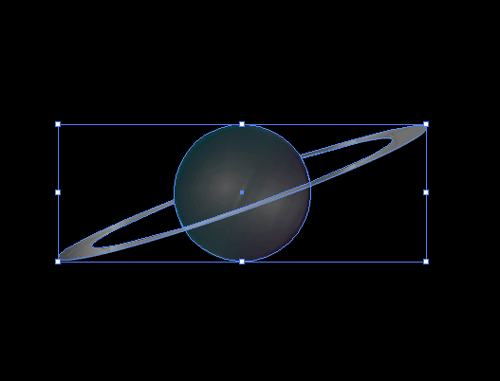
CreativePro Tip of the Week: Resetting the Bounding Box of Objects in Illustrator
This CreativePro Tip of the Week on resetting the bounding box in Illustrator wa...

The CreativePro Guide to Graphics File Formats
Learn about graphics file formats, their pros and cons, and how to choose which...

Knowing Your Camera: The First Step for Getting Better Results in Photoshop
Understanding the abilities of your camera and Photoshop can help you produce be...