



Read this four-part series and you’ll master every step you need to take to produce great photos from your desktop printer.
Part 1: Selecting a photo printer.
Part 2: Color management, soft proofing, make your first print.
Part 3: Paper profiling.
Part 4: Paper profiles, RIPs.
Did you catch Ben’s series on buying a digital camera?
Click here:
https://creativepro.com/story/feature/24461.html
This article was last modified on December 14, 2022
This article was first published on August 11, 2006
Commenting is easier and faster when you're logged in!

Recommended for you
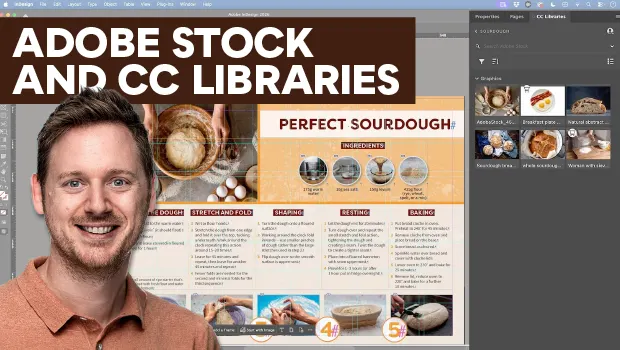
Find Adobe Stock Assets Without Leaving InDesign
Find Adobe Stock assets without ever leaving InDesign!
Better first proofs. Fewer review rounds. Introducing PreProof™
Most designers are already familiar with Preflight — checking a document for tec...
A Script to Display InDesign Documents at Actual Size
Script makes Actual Size on screen match actual size in the real world, even if...