



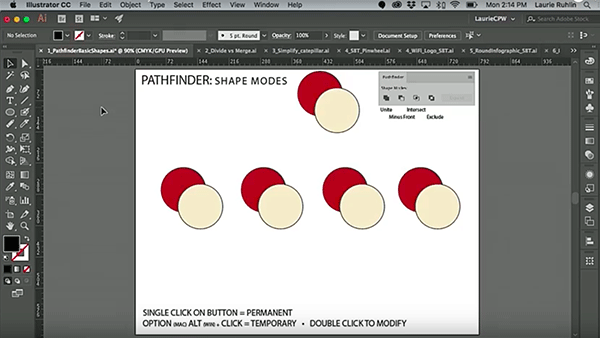
In this week’s CreativePro video, Laurie Ruhlin takes the mystery out of Illustrator’s Pathfinder panel. She demonstrates how each of the options will affect selected objects and shows how to keep those affected objects live and editable! Taken from Laurie’s session at CreativePro Week 2018 in New Orleans.
New videos every Tuesday on our CreativePro YouTube channel. Be sure to subscribe so you don’t miss any!
This article was last modified on October 30, 2018
This article was first published on October 30, 2018
Commenting is easier and faster when you're logged in!

Recommended for you

Switching Between Composers with Keyboard Shortcuts in InDesign and Illustrator
Illustrator has a built-in shortcut to switch between composition methods, an id...

InDesign How-to Video: How to Make a Highlighter Effect
In this week’s InDesignSecrets video, Erica Gamet creates the look of highlighte...

Quick Tips for Isometric Artwork in Illustrator
Use the Actions Panel You can use the Actions panel to skew type (and shapes) to...