



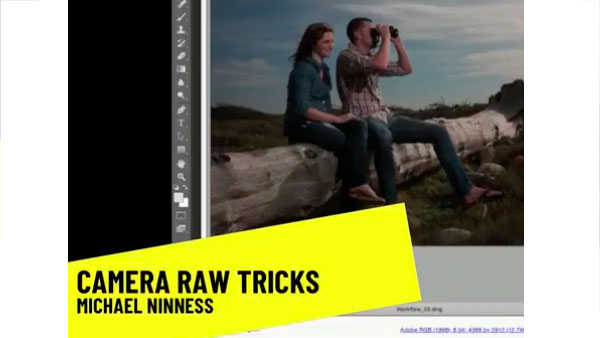
In the following CreativePro video, Michael Ninness shows us how to use Camera Raw for easy image editing in Photoshop. From adjusting contrast, white balance, and vibrance to fixing blemishes and artifacts, he demonstrates why Camera Raw should just be Photoshop’s default workspace. From CreativePro Week.
New videos every Tuesday on our CreativePro YouTube channel. Be sure to subscribe so you don’t miss any!
This article was last modified on August 31, 2018
This article was first published on August 31, 2018
Commenting is easier and faster when you're logged in!

Recommended for you

The Digital Art Studio: Illustrator’s New Crop Image Button
The 2017 release of Adobe Illustrator added a new feature you can use to permane...

CreativePro Tip of the Week: Using the Navigator panel in Photoshop
This CreativePro Tip of the Week for Using the Navigator panel in Photoshop was...

Show Word Division
The script breaks all words in a list using InDesign's rules. With nothing selec...