



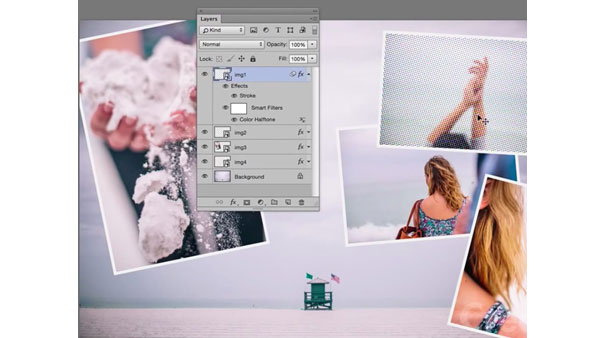
In the previous installment of our video series on mastering Smart Objects in Photoshop, we saw how to create and edit a perfect animated Star Wars crawl effect.
This time, instead of focusing on one specific effect, we’ll look at how you can use Smart Objects along with layers and filters to create any kind of nondestructive effect you wish. Once you see how powerful, flexible, and simple this technique is, you may never use filters the old fashioned way again.
This article was last modified on January 28, 2021
This article was first published on February 25, 2015
Commenting is easier and faster when you're logged in!

Recommended for you

CreativePro Conference Speaker Spotlight: Sharon Steuer, the Zen Artist
Welcome to our new series of posts called Speaker Spotlight, designed to highlig...

CreativePro Week Conference Speaker Spotlight: Jesús Ramirez, the YouTube Photoshop King
Welcome to our Speaker Spotlight series, designed to highlight some of our Creat...

Basic Tips for Color Management
In early December, a community of conference-goers explored best practices and n...