

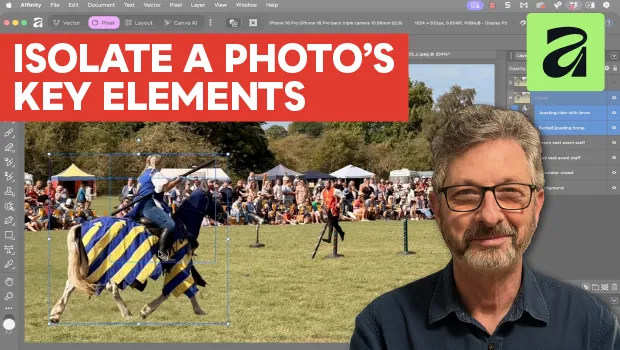
In this Affinity how-to video, Steve Caplin splits a single image into editable pieces with the Decompose Layer tool. Using this Canva AI feature, he shows how the tool isolates the key elements of the photo, names the newly created layers, and even patches the background behind each element. Finally, Steve cleans up any AI errors and rearranges the scene to his liking.
Subscribe to the CreativePro YouTube channel for more helpful design tips!
This article was last modified on November 24, 2026
This article was first published on November 24, 2026
Commenting is easier and faster when you're logged in!

Recommended for you

Interview with Sam Luo, Designer and YouTube Creator
Discover how a passion for helping fellow students led the founder of LYH Studio...
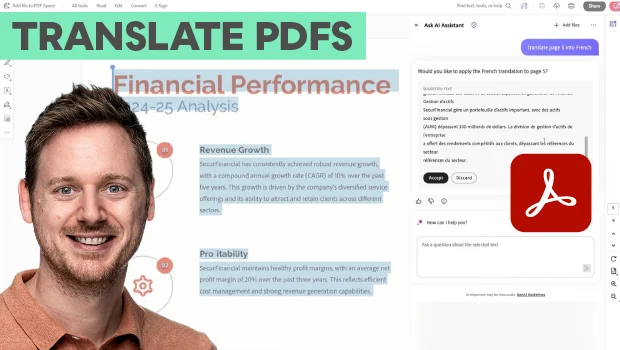
Translating Text in a PDF to Another Language
Translate PDF files without losing your original design with Bart Van de Wiele.