


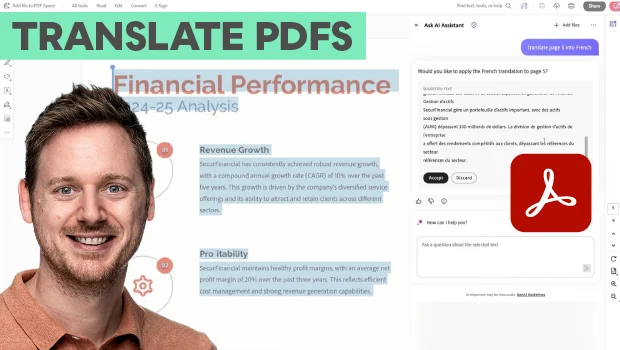
In this Acrobat how-to video, Bart Van de Wiele shows two different ways to quickly translate a PDF. First he demonstrates how to use the Ask AI Assistant panel to create a sidebar translation without modifying the original document. Then Bart uses Acrobat’s Adobe Express integration to convert the PDF to the new language while keeping its formatting intact.
Subscribe to the CreativePro YouTube channel for more helpful design tips!
This article was last modified on November 19, 2026
This article was first published on November 20, 2026
Commenting is easier and faster when you're logged in!

Recommended for you
PageProof Launches Adobe Express Add-on for Fast and Structured Creative Approvals
PageProof brings fast, seamless feedback and structured approvals straight into...

How to Create Video Using Mobile Apps for Free
Learn how to create professional grade video content for social media using free...
How to Convert Fonts to Outlines in a PDF
If you need to provide a PDF with fonts converted to outlines to your print serv...