




In this short InDesign video, Khara Plicanic shows how to easily pick up formatting from some text, then quickly apply that formatting to other text. Using the Eyedropper tool, set which attributes you want copied, then just apply the selected formatting.
Subscribe to the CreativePro YouTube channel for more helpful design tips!
This article was last modified on November 18, 2026
This article was first published on November 19, 2026
Commenting is easier and faster when you're logged in!

Recommended for you

Convert to Outlines in InDesign and Keep Your Editable Text
Khara Plicanic creates text outlines and keeps an editable copy with one click!

Livestream Video: DIY Holiday Cards with Photoshop
Join Khara to follow along and design your own holiday cards this year!
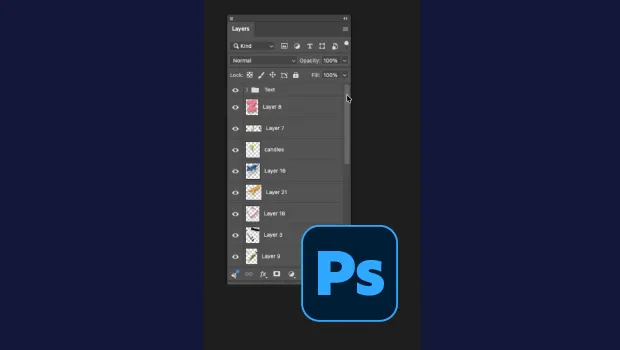
Smarter Thumbnails in Photoshop
Make Photoshop layer thumbnails clearer with one quick setting change.