



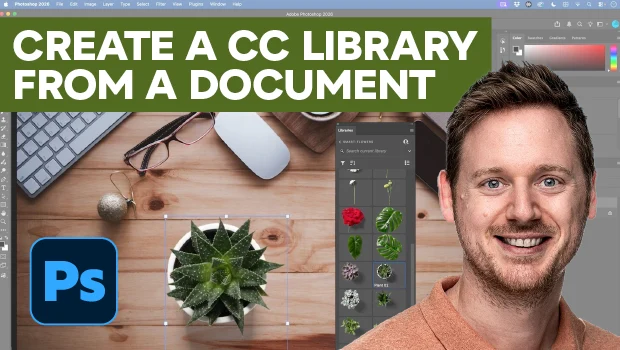
In this video, Bart Van de Wiele shows how to convert a document’s contents to a Creative Cloud Library. He starts by converting layer groups into Smart Objects so Photoshop can auto-detect them using the Create New Library from Document feature. Finally, Bart explains how replacing those Smart Objects with cloud links allows you to place, swap, and relink design assets across documents.
Subscribe to the CreativePro YouTube channel for more helpful design tips!
This article was last modified on November 13, 2026
This article was first published on November 13, 2026
Commenting is easier and faster when you're logged in!

Recommended for you
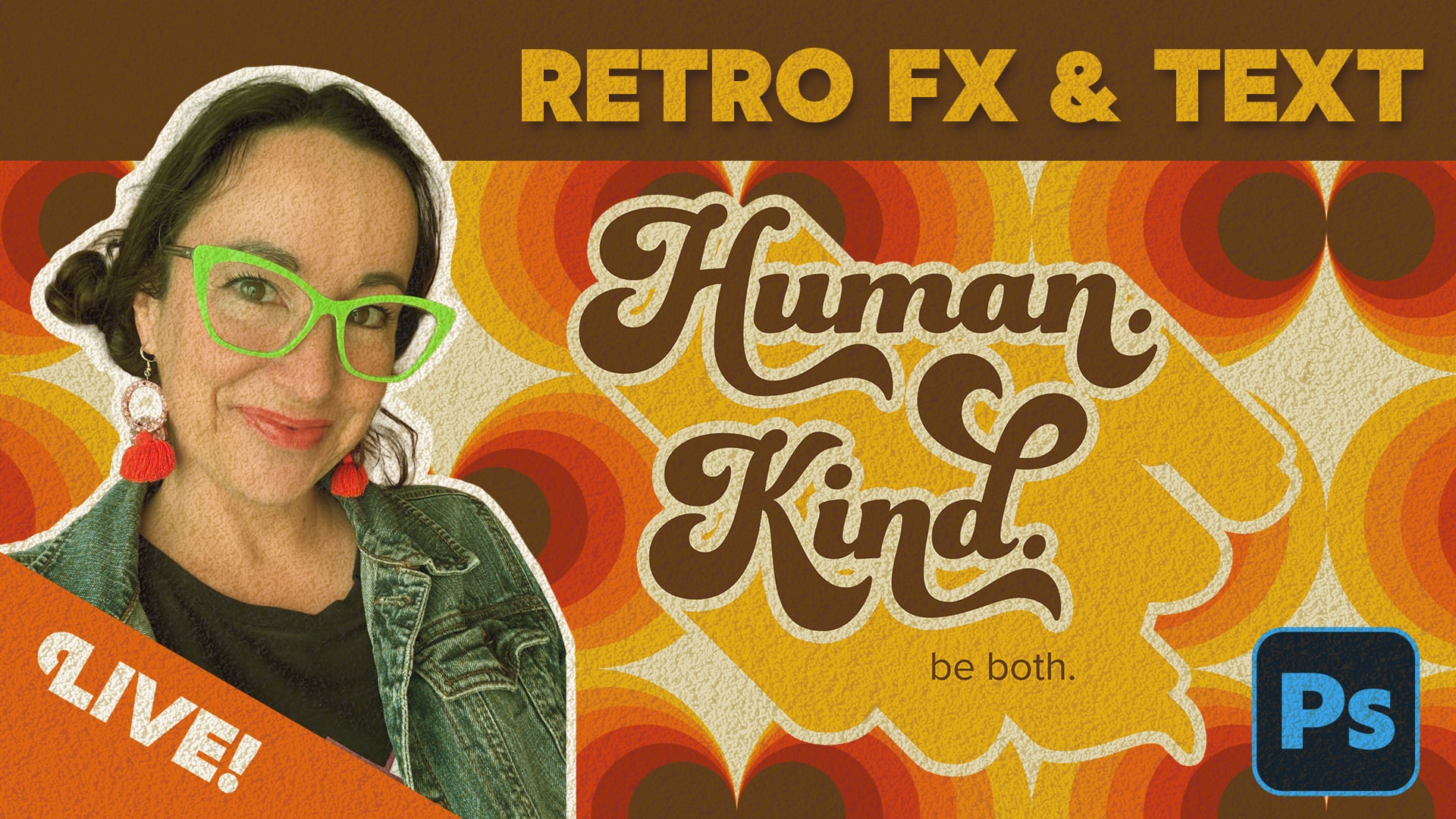
Livestream Video: Creating Retro Looks & Type Treatments in Photoshop
Making new things look old is always a fun challenge!
Sort Cross References
Cross-references are printed in the order in which they were added to the docume...
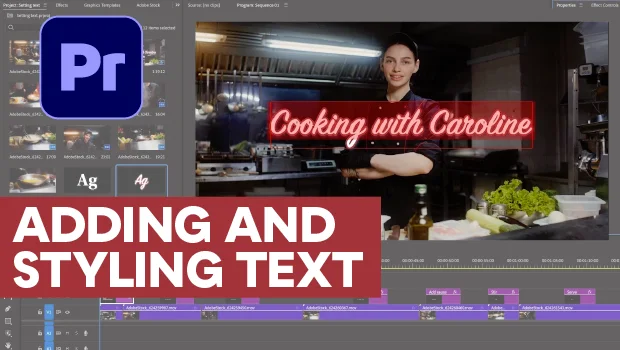
Adding and Styling Text in Premiere
Myra Ferguson covers text formatting and safe margins in Premiere.