



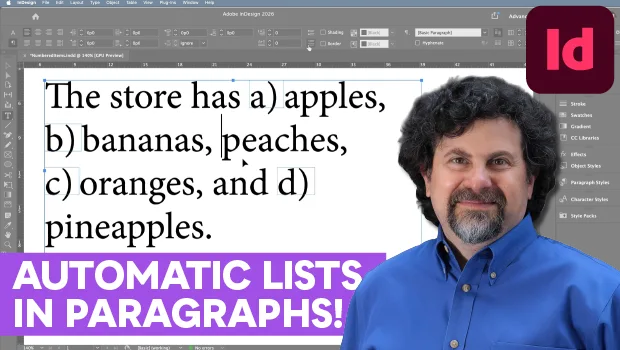
In this InDesign how-to video, David Blatner demonstrates a clever way to create numbered or lettered lists inside a paragraph that automatically update as you add or remove items. He shows how to use paragraph and object styles to automate the process even more. David then shoes how to create a custom list so your numbering stays consistent across multiple lists in your document.
This is just a taste of the great content you’ll learn in David’s upcoming session at The InDesign Conference 2026, being held online December 1–4. See the agenda and sign up now.
Subscribe to the CreativePro YouTube channel for more helpful design tips!
This article was last modified on October 20, 2026
This article was first published on October 20, 2026
Commenting is easier and faster when you're logged in!

Recommended for you

Making Tables Accessible
Learn how to correctly tag complex PDF table headers for screen readers with Dax...

Sort and Combine Cross References
Unlike subtopics, which InDesign sorts, cross-references are printed in the orde...

Interview with Karen Larson, Brand Strategist and Artist
Discover how Canva can fit into impactful, professional workflows.