



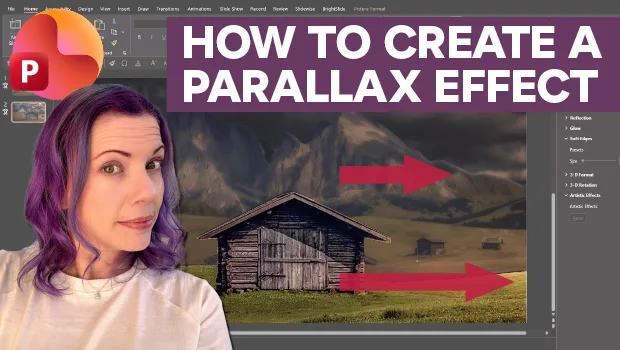
In this PowerPoint how-to video, Stephy Hogan shows how to create a 3D parallax scrolling effect. First, she divides the image into multiple background and foreground layers using the Freeform shape tool. Then she moves and resizes her layers before adding the Morph transition to create the animation.
Subscribe to the CreativePro YouTube channel for more helpful design tips!
This article was last modified on October 2, 2026
This article was first published on October 2, 2026
Commenting is easier and faster when you're logged in!

Recommended for you

PowerPoint Mac vs. PC: A Top 15 list
In recent years PowerPoint has made big strides towards cross-platform parity, b...

How to Convert PowerPoint Slides to Google Slides
Learn how to convert your PowerPoint deck to Google Slides and how to fix the th...
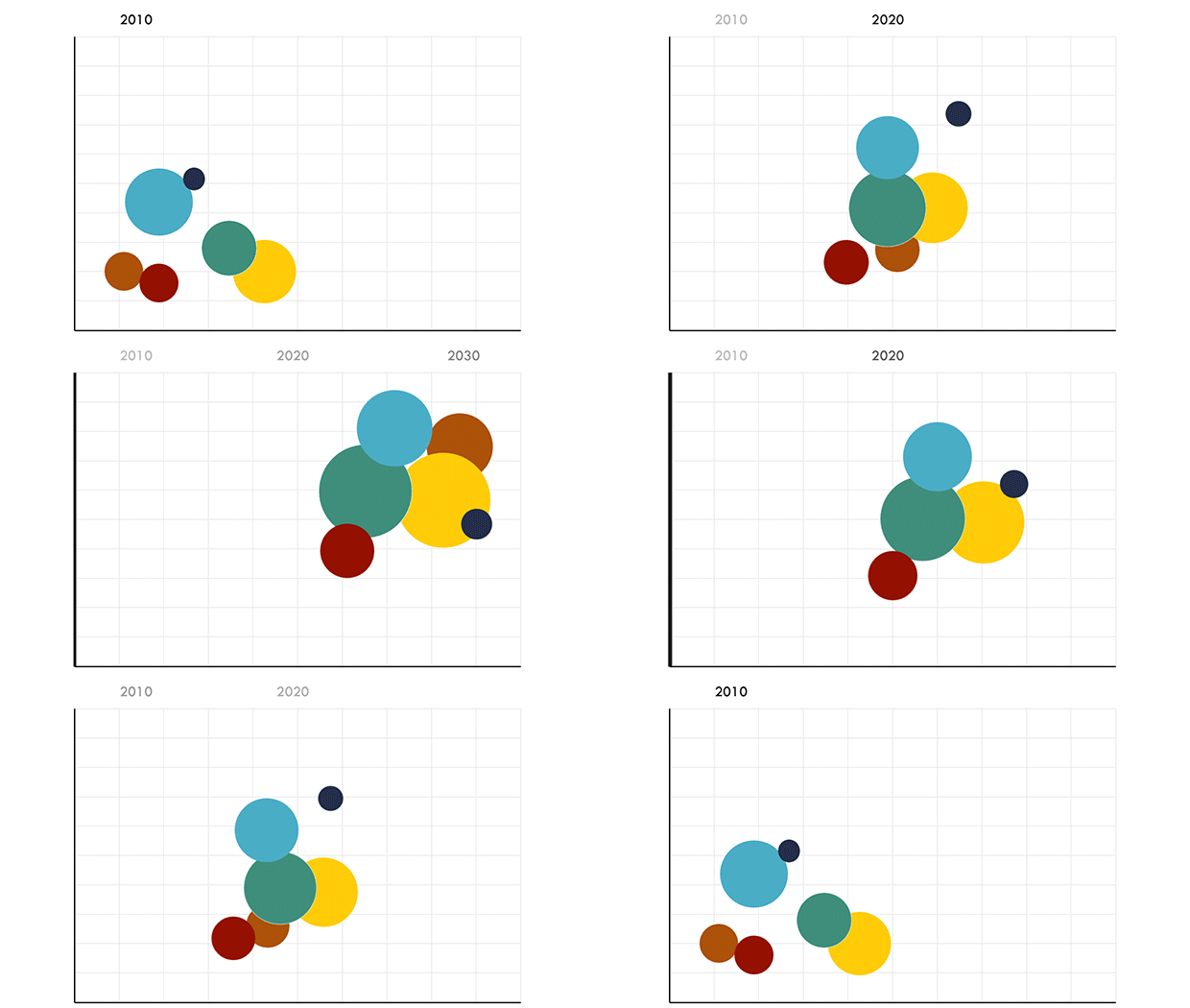
Animating PowerPoint Charts and Tables
Techniques and hacks to bring your presentation data to life