




In this accessibility how-to video, Dax Castro explains how to make complex PDF tables understandable to assistive technology. Dax demonstrates how to identify and correctly tag multiple row and column headers, then uses Acrobat’s Table Editor to define their relationships. He also explains why some applications cannot assign multiple headers and shows how to finish the process in Acrobat.
This is just a taste of the great content you’ll learn in Dax’s upcoming session at The Design + Accessibility Summit 2026, being held online October 20–23. See the agenda and sign up now.
Subscribe to the CreativePro YouTube channel for more helpful design tips!
This article was last modified on September 29, 2026
This article was first published on September 29, 2026
Commenting is easier and faster when you're logged in!

Recommended for you
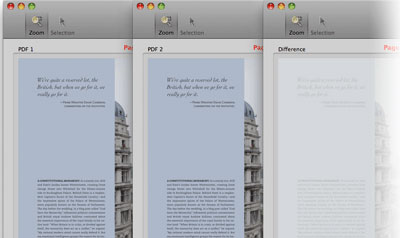
Quickly Compare Two PDF Documents
PDF Comparator Professional, from Premedia Systems, has just updated to version...

Markzware Unveils Must-have Upgrade to FlightCheck Professional
Markzware, the leading developer of quality control for digital files used in th...
Drag and Drop Text Editing
When it comes to drag and drop text editing in InCopy, users fall on opposite si...