



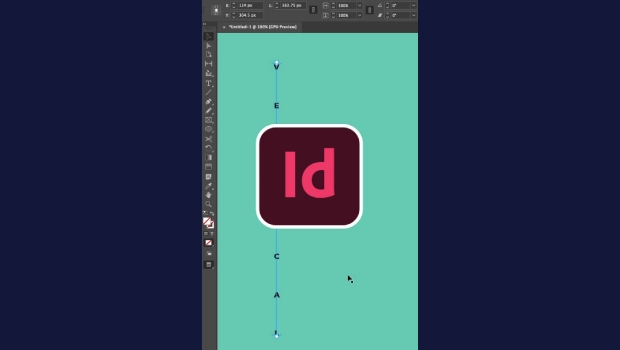
In this short InDesign how-to video, Khara Plicanic shows how tricky it can be to change the spacing of text you’ve placed on a vertical path. Changing the leading isn’t the way to go. Khara shows you the secret handles to easily make your desired adjustments.
Subscribe to the CreativePro YouTube channel for more helpful design tips!
This article was last modified on August 20, 2026
This article was first published on August 20, 2026
Commenting is easier and faster when you're logged in!

Recommended for you

Finding Type on a Path
When you’re exporting a layout to reflowable EPUB, InDesign will warn you...
Adjusting Text Spacing With Keyboard Shortcuts
Here’s a little productivity tip to try out: Give the Control panel a rest and u...
Tip of the Week: Choosing the Right Amount of Leading
How to set the right amount of line spacing or leading in InDesign to make any t...