


Edit Multiple Camera Angles in Premiere
Steve Caplin walks us through multicam in Premiere.

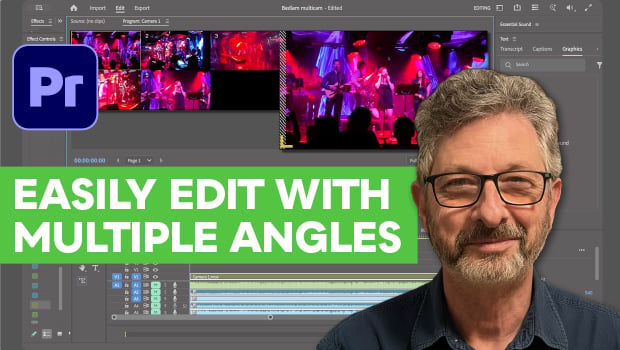
In this Premiere how-to video, Steve Caplin demonstrates how to edit a live performance using footage from multiple cameras. First, he nests all the camera tracks into one multi-cam sequence. Then, Steve plays the video and switches between tracks using the number keys, choosing the angles that look the best in real time.
Subscribe to the CreativePro YouTube channel for more helpful design tips!
This article was last modified on July 24, 2026
This article was first published on July 24, 2026
Commenting is easier and faster when you're logged in!

Recommended for you

Livestream Video: Create a Surreal Type in Photoshop
Learn how to make type out of twigs, branches, or any other objects you want.


Splitting Up Threaded Stories into Separate Frames
Daniel wrote: I've linked boxes of text throughout a whole document. Is there a...