



In this quick Illustrator video, Khara Plicanic shows how to control the amount of snappiness used when moving objects near each other or guides on the pasteboard. Whether you want to be super precise or a little more relaxed, you are in control of the snapping!
Subscribe to the CreativePro YouTube channel for more helpful design tips!
This article was last modified on July 23, 2026
This article was first published on July 23, 2026
Commenting is easier and faster when you're logged in!

Recommended for you

Merge Ahead: Choosing the Right Tool for Variable Data Jobs
Which tool will smooth the road for the variable data that drives your customize...
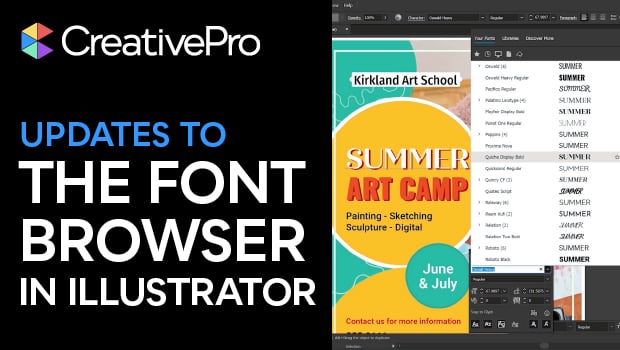
New Font Browser Features in Illustrator
Explore the new features added to the Font Browser in Illustrator 2026.
Essential Illustrator Shortcuts
Save time with Kat Kremser's cheat sheet of Illustrator shortcuts!