



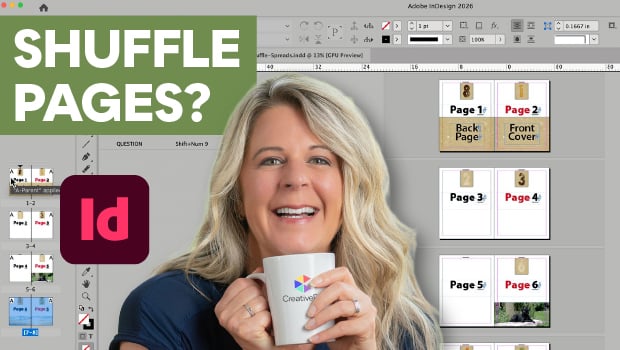
In this InDesign how-to video, Laurie Ruhlin explores controlling page layouts using the Shuffle settings in the Pages panel. First she shows how to prevent shuffling to keep multi-page spreads together. Then she disables the settings to view her front and back covers side by side.
Subscribe to the CreativePro YouTube channel for more helpful design tips!
This article was last modified on July 14, 2026
This article was first published on July 14, 2026
Commenting is easier and faster when you're logged in!

Recommended for you

New Contest! The Case of the Curious Comma
Solve this InDesign mystery for a chance at winning a great prize.

10 Terrific Time Savers for InDesign
Life is busy. Work is hard. Use these tips to get more done faster.

What Size is this Page?
You can mix page sizes within the same document in InDesign. But how do you tell...