



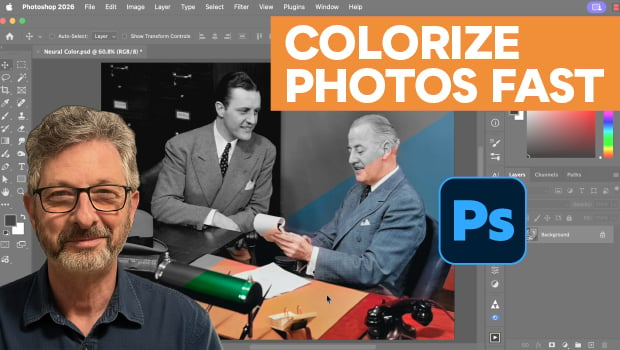
In this Photoshop how-to video, Steve Caplin demonstrates how to add color to a black and white image with Neural Filters. He explains how to start with the Colorize filter to automatically fill in color before setting focal points by hand to fix specific areas. Finally, Steve shows how to clean up any remaining errors by sampling nearby hues and painting over them with a brush set to the Color blend mode.
Subscribe to the CreativePro YouTube channel for more helpful design tips!
This article was last modified on July 17, 2026
This article was first published on July 10, 2026
Commenting is easier and faster when you're logged in!

Recommended for you
Essential Illustrator Shortcuts
Save time with Kat Kremser's cheat sheet of Illustrator shortcuts!

Interview with Joy Pollard, Designer and Adobe Certified Professional
Learn how roller derby, astronomy, and theater influenced one designer’s journey...
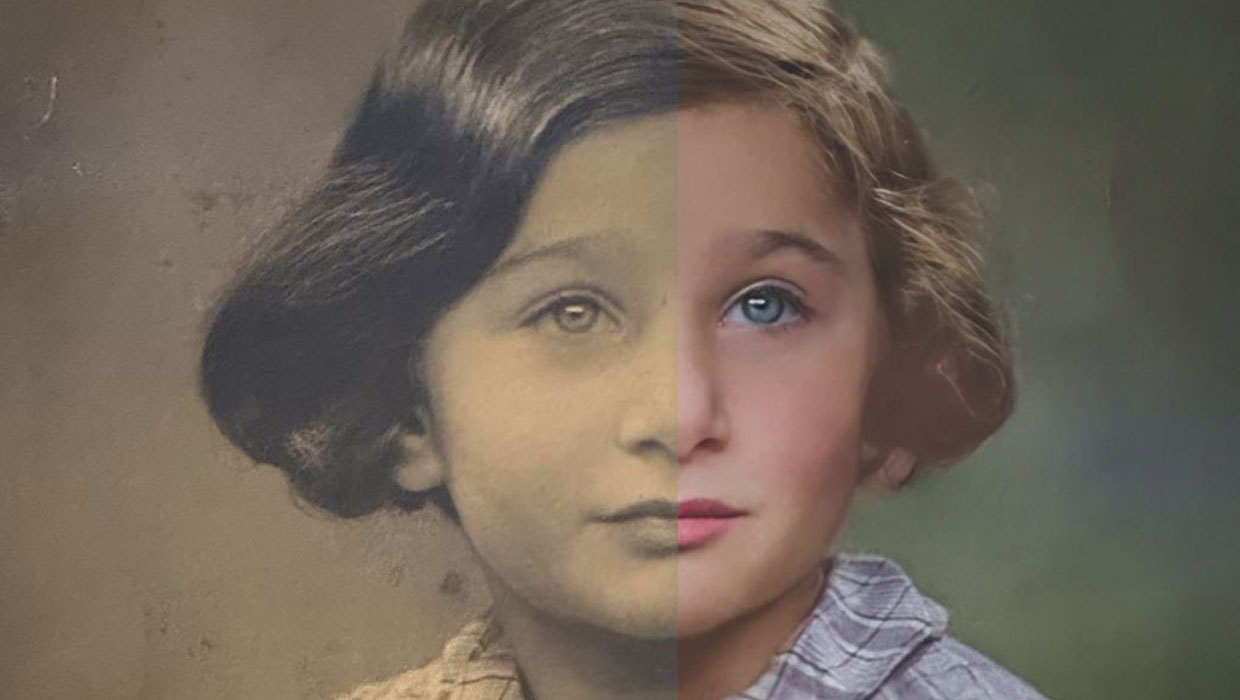
Using the Photo Restoration Neural Filter in Photoshop
This Neural Filter uses AI to remove scratches and other damage, and enhance fac...