



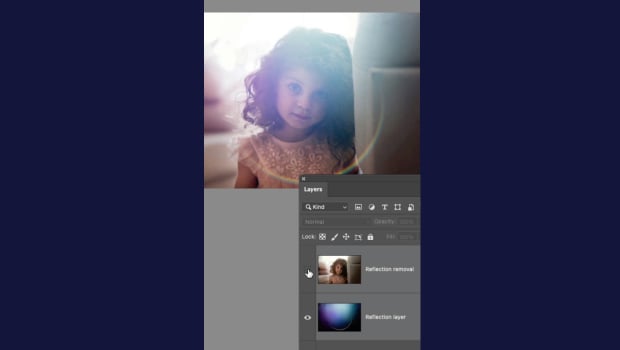
In this short Photoshop video, Khara Plicanic demonstrates how the latest version has a command to instantly remove reflections and lens flare from your images. Photoshop can even isolate them to their own layer!
Subscribe to the CreativePro YouTube channel for more helpful design tips!
This article was last modified on June 23, 2026
This article was first published on June 25, 2026
Commenting is easier and faster when you're logged in!

Recommended for you

Making an Object or Text Change Based on Left or Right Page
You want an object or text to look one way on a left page, but look different on...

How to Mirror a Layout
Flipping a whole layout from a left to a right hand page doesn't have to be a pa...
Making a Custom Shape for Highlighting or Boxing Text
T.J. wrote: Just wondering if it’s possible to get a rounded corner frame...