



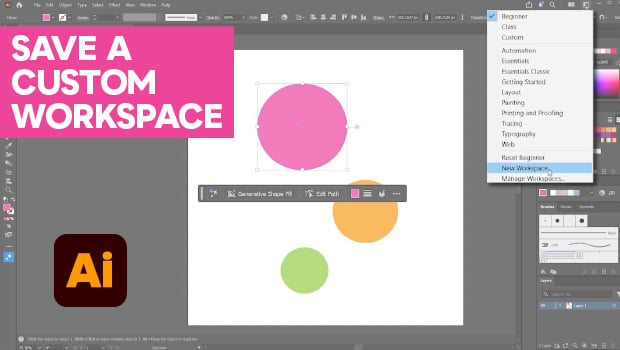
In this Illustrator how-to video, Kat Kremser shares tips for setting up a custom workspace perfect for beginners. She explains where to find the different preset options and how to clean up your workspace when it gets cluttered. Finally, Kat explains how to drag, dock, and hide individual panels before saving your new workspace.
Subscribe to the CreativePro YouTube channel for more helpful design tips!
This article was last modified on June 12, 2026
This article was first published on June 5, 2026
Commenting is easier and faster when you're logged in!

Recommended for you

Rotating Text with a Character Style
Learn the trick for applying character rotation with a style, something that's u...

Using Illustrator’s Paintbrush Tool
Go beyond simple paths and transform your artwork with this powerful tool

How to Customize Vector Stock Artwork in Illustrator
Transform pre-made art into a rich illustration that will delight your clients.