



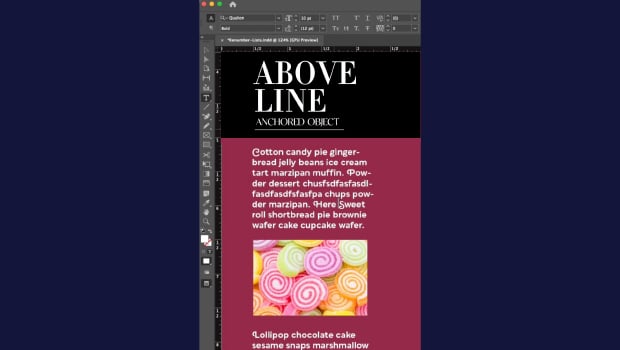
In this short InDesign how-to video, Khara Plicanic demonstrates how to anchor a graphic so it moves along with the text as it reflows. She shows that it’s as easy as dragging the anchored object node into the text and making a couple of quick adjustments.
Subscribe to the CreativePro YouTube channel for more helpful design tips!
This article was last modified on May 28, 2026
This article was first published on May 28, 2026
Commenting is easier and faster when you're logged in!

Recommended for you

Underline Every Line of a Paragraph, All the Way to the Edges
It's not hard to make custom underlines, but what if you want them to extend to...

How to Anchor a Graphic to Text in InDesign
Learn how to anchor a graphic to text in InDesign so that they travel together a...

How to Incorporate Chapter Thumbnail Images into an Auto-Generating Table of Contents
How you can make a table of contents with thumbnail images (and avoid a horrible...