



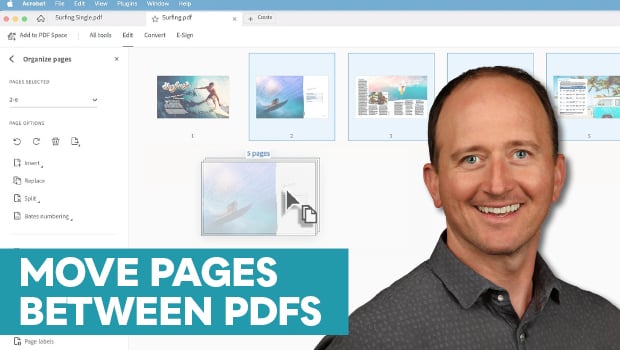
In this Acrobat how-to video, Chad Chelius demonstrates how to move pages between multiple PDF files using the Organize Pages tool. After opening the tool in both documents, he uses simple keyboard shortcuts to select and drag a range of pages from one file to the next. Finally, Chad shows how to position your new pages in the target document.
Subscribe to the CreativePro YouTube channel for more helpful design tips!
This article was last modified on May 22, 2026
This article was first published on May 22, 2026
Commenting is easier and faster when you're logged in!

Recommended for you

Transforming Pages in CS5
With CS5 you can transform pages with Scale, Shear, Rotate, and Free Transform.

Tip of the Week: The Easy Way to Print a Page Range
This InDesign tip on the easy way to print a page range in InDesign was sent to...

InDesign How-to Video: Move Pages Between Documents
In this week’s InDesignSecrets video, Mike Rankin demonstrates how to move pages...