



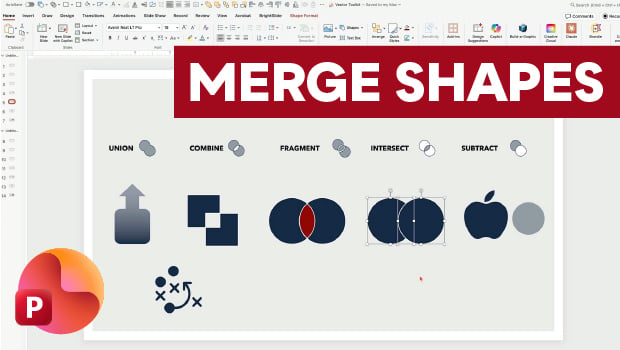
In this PowerPoint how-to video, Nolan Haims shows off Merge Shapes, one of the program’s most powerful tools. First, he demonstrates each of the tool’s five core functions: Union, Combine, Fragment, Intersect, and Subtract. Finally, Nolan shows how to apply these tools to live text and raster images.
Subscribe to the CreativePro YouTube channel for more helpful design tips!
This article was last modified on July 15, 2026
This article was first published on May 5, 2026
Commenting is easier and faster when you're logged in!

Recommended for you
Tips for Creating Better Tables in PowerPoint
Making tabular data in PowerPoint look good can be challenging, but Stephy Hogan...

How to Copy Shape Formatting in Photoshop
The easy way to reuse fill and stroke formatting applied to a shape layers in Ph...

CreativePro Video: Animate Image Sequences for Presentations
In this week’s CreativePro video, Jole Simmons animates an image sequence using...