



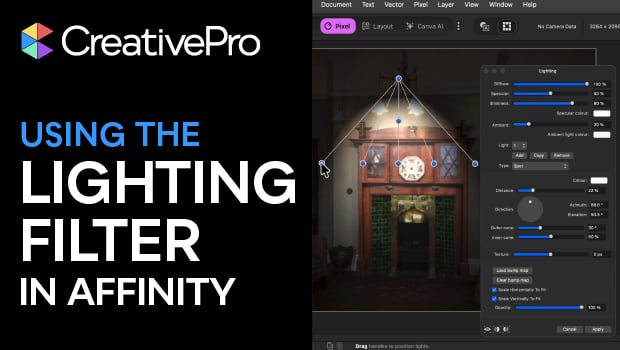
In this Affinity how-to video, Steve Caplin demonstrates how to use the Lighting filter to illuminate a scene. He shows how to manipulate the location, direction, and intensity of the light using the convenient handles. Finally, Steve explains how to apply these effects as a Live Filter Layer so that your lighting remains fully editable and non-destructive.
Subscribe to the CreativePro YouTube channel for more helpful design tips!
This article was last modified on April 17, 2026
This article was first published on April 17, 2026
Commenting is easier and faster when you're logged in!

Recommended for you

InDesign Tips: Controlling Line Breaks with the Hyphenation Slider
It’s a small detail but it reveals a lot about your page-layout skills. Ba...

Tip of the Week: Using Graphic Table Cells
This InDesign tip on using graphic table cells was sent to Tip of the Week email...

The Design + PowerPoint Summit agenda and speaker roster is here!
Learn how to create beautiful PowerPoint presentations