



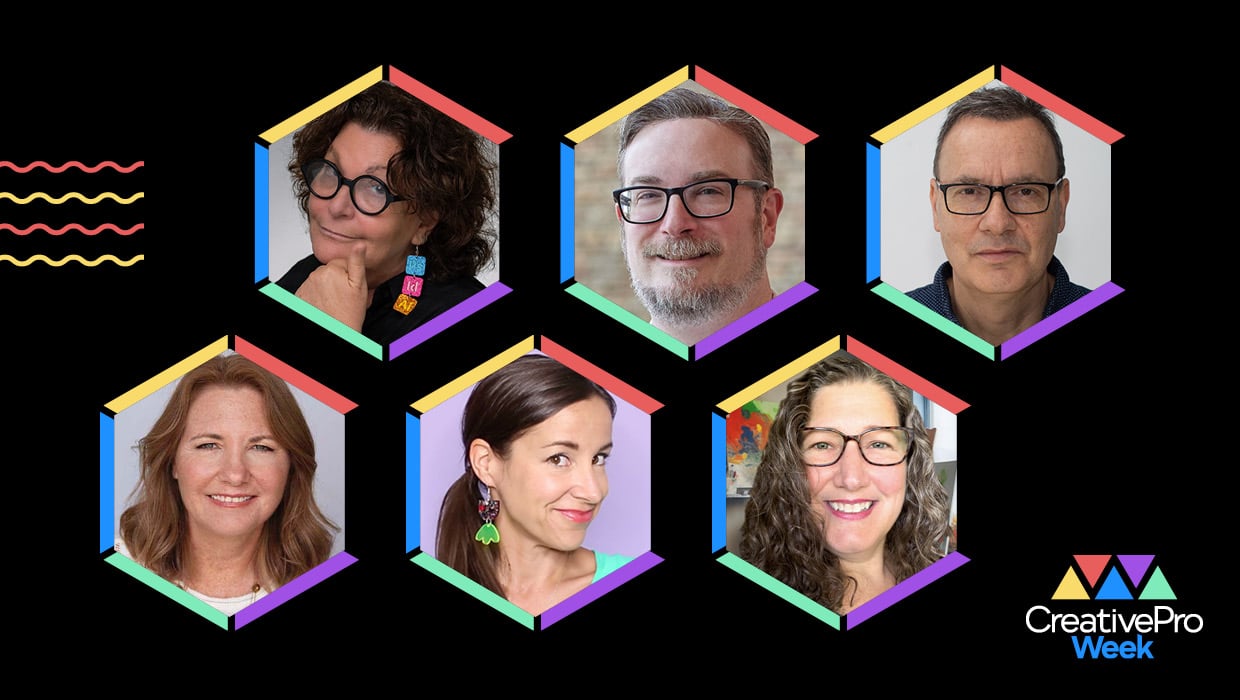
Most of what happens at CreativePro Week 2026 in Nashville will be available to At-Home Pass holders. But not everything. This year, for the first time, CreativePro Week has carved out an entire track of sessions designed specifically for the people in the room.
Whether it’s the energy of a live critique, the collaborative buzz of a hands-on workshop, or a certification prep session that comes with an actual free exam, these five in-person offerings are excellent reasons to convince your boss that Nashville is exactly where you need to be June 29–July 3.
Adobe Bridge: Practical, Hands-On Workflows
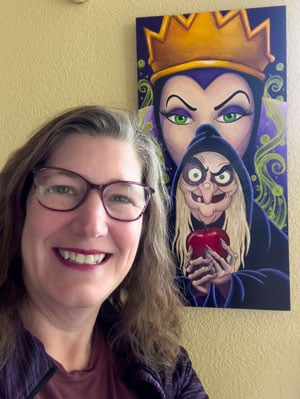
Adobe Bridge has been sitting in your Creative Cloud subscription, quietly waiting for you to give it a proper chance, while you continue managing files in ways that are more time-consuming than they need to be. (No judgment. We’ve all got a folder called something like “FINALS_v3_ACTUALLY FINAL.”)
Melissa Piccone is here to fix that. In this workshop, she introduces Bridge as the visual command center it was always meant to be, showing you how to view and filter files across multiple folders at once, batch rename and convert assets with confidence, manage InDesign-linked files efficiently, and build a two-window workflow that will make you wonder how you worked without it.
Practical Use Cases for Firefly Boards

Firefly Boards is Adobe’s AI-powered collaborative canvas for ideation and concepting, a place where teams can generate, arrange, and evolve visual ideas together without bouncing between a dozen different tools and browser tabs. If you’ve seen it mentioned and wondered whether it’s actually useful in a real corporate creative workflow, or just impressive in a demo, this session is your answer.
Kevin Stohlmeyer will show how teams can use Boards for early creative alignment, how to compare outputs across different Firefly models, and how collaborative workflows inside Boards can help move concepts forward faster.
I was blown away by Kevin’s session on Firefly Boards at the Design + AI Summit in early April, and I know that things have already evolved since then.
Crafting Custom Lettering and Fonts with Photoshop

Tell me if this sounds familiar: You scroll up and down the font menu, looking at what seems like thousands of options… and somehow none of them are exactly right. Khara Plicanic has a solution: make your own.
In this session, Khara shows you how to turn hand-drawn, painted, or otherwise found letterforms into custom typographic assets you can actually use across projects, including in InDesign and other apps. You’ll learn how to capture your lettering, refine it inside Photoshop, and build it into something flexible and reusable. The session also covers the path to creating vector fonts in Illustrator (see what I did there?).
For designers who love type (isn’t that all designers??), this is your chance to develop a deeper appreciation for what goes into a well-crafted font by going through the process yourself. And of course, it’s going to be a blast because Khara always makes learning fun.
Certiport Sponsored Lunch Session: Prepare for Adobe Certification
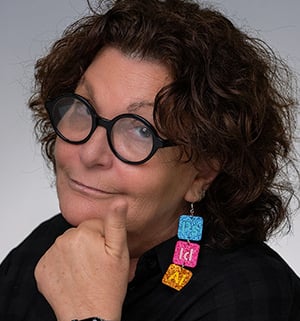
Here’s a valuable perk that only in-person attendees can take advantage of: complimentary Adobe certification testing at the conference itself. This would normally cost you $150, but when you come to CreativePro Week, you can take the test for free. Even better, we’ll help you get ready to pass it.
Chana will walk you through exactly how the Photoshop, Illustrator, and InDesign certification exams are structured, what skills are tested, and how to prepare efficiently so you walk into the testing room ready rather than rattled. Adobe certification is a meaningful credential. It validates your expertise, distinguishes your résumé, and gives clients and employers a concrete reason to hire you over someone who just says they’re good with Illustrator.
You’ll spend your lunch break learning how to get certified. Then, while you’re at CreativePro Week, you can take the exam, and head home at the end of the week with your certification in hand (and the $150 you saved).
Portfolio Critique
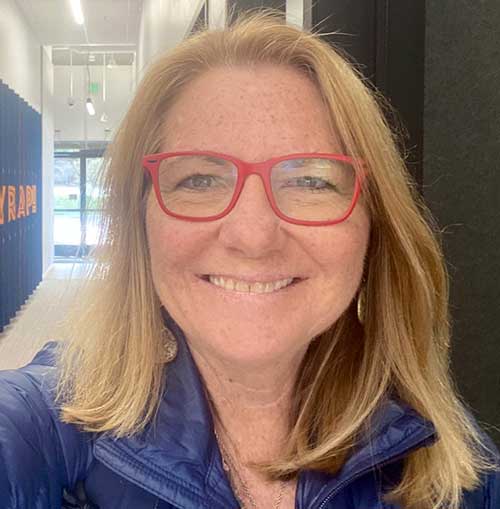

If you’ve ever wished you could hand your portfolio to two experienced, thoughtful, and constructively honest creative professionals and find out what they actually think, this is your session. Nigel French and Theresa Jackson will review selected attendee work live, offering specific, practical feedback on design decisions, visual communication, and how work is presented and perceived by the people who evaluate it.
A live portfolio critique is an inherently communal experience. Even if your work isn’t selected for direct review, you’ll gain insight from watching others receive feedback and hearing the conversation that follows. It’s the kind of session where you leave seeing your own work differently, which is the whole point.
You Have to Be There
To get everything these great sessions have to offer, you gotta join us in Nashville. But they’re just the tip of the CreativePro Week iceberg. With over 70 sessions total covering InDesign, Photoshop, Illustrator, Acrobat, PowerPoint, motion, AI, and more, plus great food, Morning Maker craft activities, guided photo walks, evening events, and the singular energy of being surrounded by hundreds of fellow creative professionals, this will be an unforgettable experience. Hope to see you in Music City!
CreativePro members: Don’t forget to use your discount code found on the Member Benefits page!
This article was last modified on April 28, 2026
This article was first published on April 28, 2026
Commenting is easier and faster when you're logged in!

Recommended for you

InDesign Magazine Issue 70: Inspired Designs
We’re happy to announce that InDesign Magazine Issue 70 (February, 2015) is...
Interview with Thaddeus Coates, Artist and Character Designer
Thaddeus Coates shares his fun and fearless approach to design and how community...
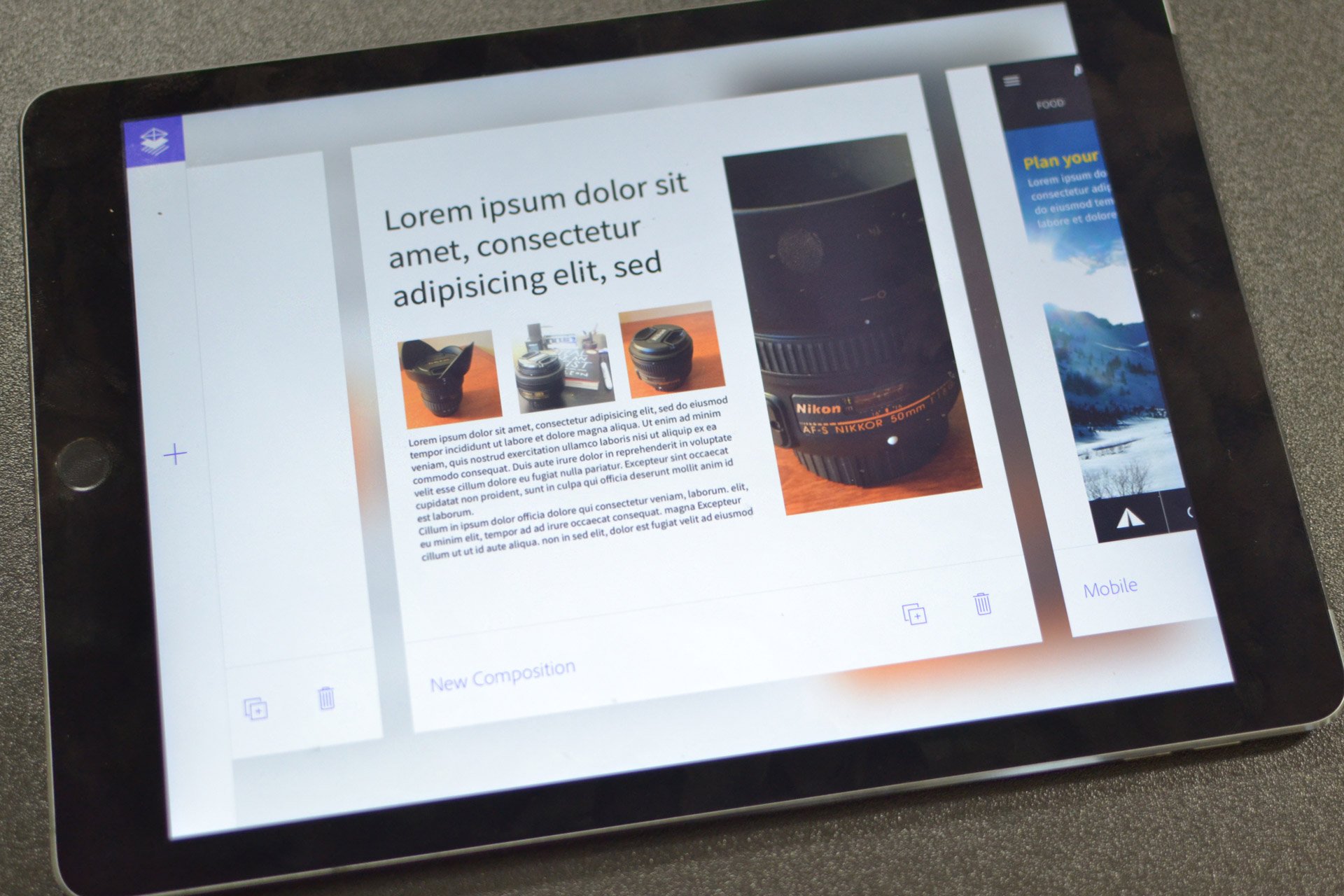
The New Adobe Comp CC Mobile App
Adobe has introduced some new mobile apps to their line up, including Adobe Comp...