



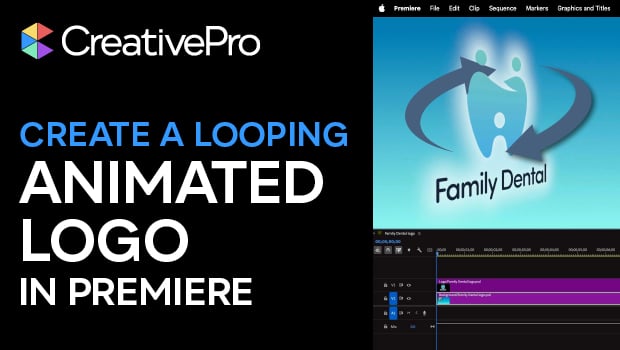
In this Premiere how-to video, Myra Ferguson explains how to create a looping animated logo starting from a Photoshop file. She demonstrates how to import PSD layers as a sequence, apply the Basic 3D effect and Swivel property, and enable the animation. Finally, Myra shares a clever keyframing trick to ensure a seamless loop.
Subscribe to the CreativePro YouTube channel for more helpful design tips!
This article was last modified on March 31, 2026
This article was first published on March 31, 2026
Commenting is easier and faster when you're logged in!

Recommended for you
How to Apply an Animation Sequence to an Object in InDesign
Learn how to apply a sequence of animations to an object in InDesign—something t...

How to Create Amazing Animations in InDesign
How to add movement and interactivity to your layouts

Create Flashing Holiday Lights in InDesign
Learn how to make lights flash on and off, with the help of a transparency effec...