


Quick Wins: InDesign Template Essentials
Use these five Template Essentials collections to speed up your InDesign document production.

This article appears in Issue 54 of CreativePro Magazine.
Use these five Template Essentials collections to speed up your InDesign document production.
Text Frame Object Styles
Text frames with objects styles to help you work with columns, insets, corner options, footers/folios, captions, anchored items, and drop caps
Tables of Contents
Five common TOC styles plus a helpful explanation of the features in the TOC dialog box
Advanced Paragraph Styles
Paragraph styles to help with long document formatting
Tables and Cells
From the simple stuff to the complex tables-within-tables, including coupons, catalogs, menus, sports stats, captions, and callouts
GREP Queries
Use these queries to replace text with clipboard contents, rearrange text, de-runt paragraphs, apply formatting to text inside parentheses, fix bad breaks, find dates, fractions, prices, eliminate repeated words, and more!
Commenting is easier and faster when you're logged in!

Recommended for you
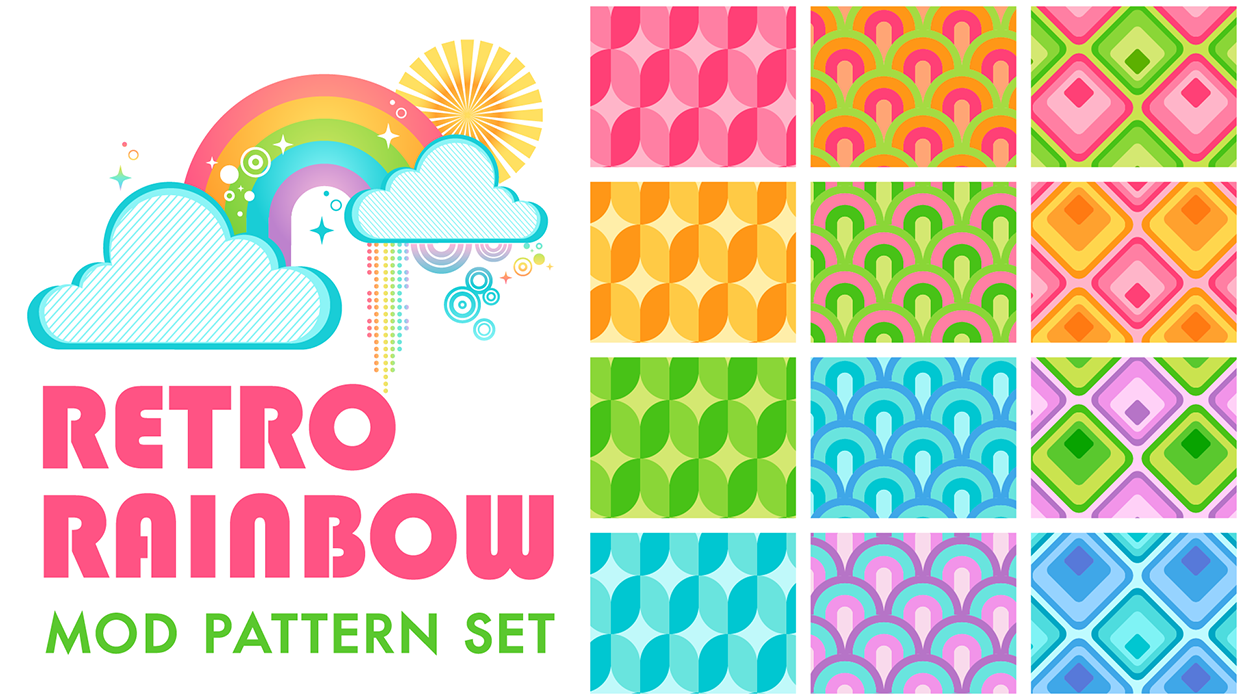
Illustrator Downloadable: Retro Rainbow Pattern Set
Add cheerful colors and shapes to your designs with these Illustrator patterns

Paragraph Numbering Fix
Paragraph numbering works fine within stories, but across stories, numbering is...
Dynamic Sidenotes
Based on the method for dynamic endnotes first outlined by Peter Gold and formal...