


Using AI Tools in a Design Workflow
Amybeth Menendez demonstrates how ChatGPT and OMATA MATE can work together to automate InDesign workflows.

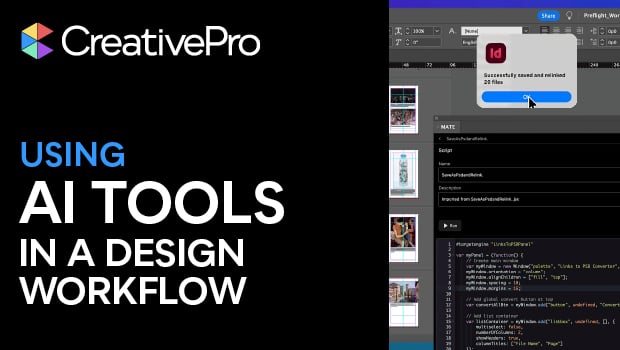
In this InDesign how-to video, Amybeth Menendez combines ChatGPT and the AI plug-in OMATA MATE to create a script to handle tedious tasks. For this demonstration, Amybeth asks ChatGPT to create a prompt for MATE to convert and relink all the images in her document’s link panel to PSD files. Then, MATE generates the script, ready to be loaded into the Scripts panel.
Subscribe to the CreativePro YouTube channel for more helpful design tips!
This article was last modified on April 29, 2026
This article was first published on February 20, 2026
Commenting is easier and faster when you're logged in!

Recommended for you

Nano Banana and Flux Kontext Pro: Using Third-Party AI Models in Photoshop
Partner models add powerful new options for Generative AI in Photoshop
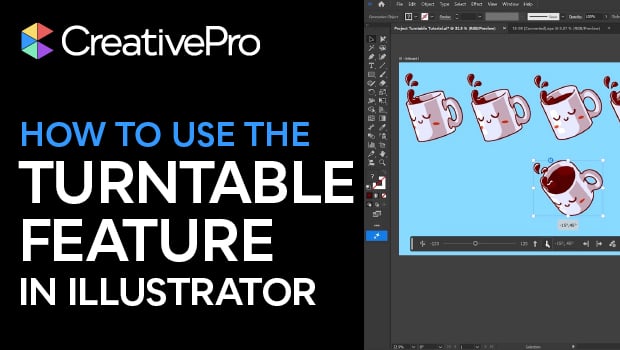
How to Use Illustrator’s New Turntable Feature
Tilt and turn your artwork with the Turntable feature in the Illustrator Beta ap...

Highlight Word and Letter Spacing Overrides
The scripts highlights paragraphs with overridden word and/or letter spacing.