


How to Use PowerPoint’s Morph Transition
Learn to use PowerPoint’s Morph transition to change shapes or text smoothly between slides.

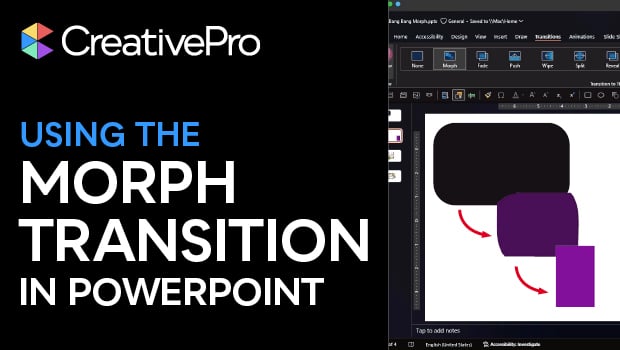
In this PowerPoint how-to video, Stephy Hogan teaches you a cool pseudo-animation effect. The Morph transition changes shapes or text smoothly from one slide to the next. Stephy shows you how to set up the transition, plus how to handle it when things get a little weird.
Subscribe to the CreativePro YouTube channel for more helpful design tips!
This article was last modified on February 10, 2026
This article was first published on February 10, 2026
Commenting is easier and faster when you're logged in!

Recommended for you

Converting CMYK to RGB with InDesign
What's the best way to extract an InDesign page as an RGB image to use in PowerP...

Tasty Tips and Tricks
A smorgasbord of tips to make your work go faster and get better results
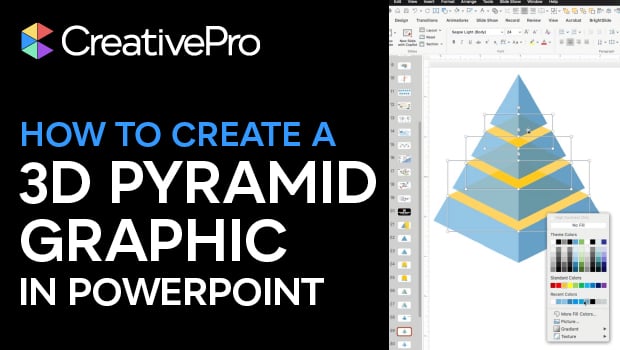
How to Create a 3D Pyramid Graphic in PowerPoint
Build a professional 3D pyramid graphic entirely in PowerPoint with Mike Parkins...