



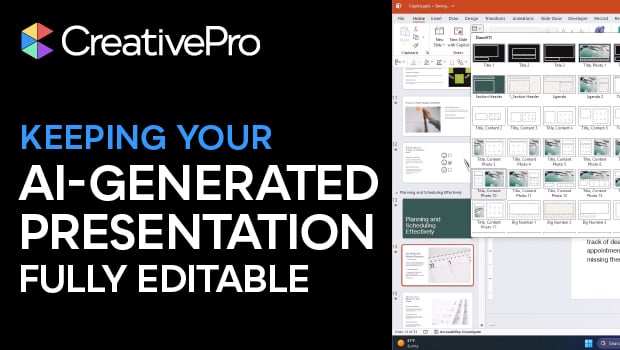
In this presentation design video, Camille Holden warns against generating AI slide decks for clients that aren’t easily editable. Instead, she suggests creating your slide deck in your preferred presentation design software, using any native AI assistant—like Copilot—for help.
Subscribe to the CreativePro YouTube channel for more helpful design tips!
This article was last modified on February 23, 2026
This article was first published on January 6, 2026
Commenting is easier and faster when you're logged in!

Recommended for you

How to Draw with the Curve, Freeform and Scribble Tools in PowerPoint
Learn how to use the tools for drawing custom lines and shapes in PowerPoint.

CreativePro Video: Animate Image Sequences for Presentations
In this week’s CreativePro video, Jole Simmons animates an image sequence using...
How to Put Bullet Items Into Motion in PowerPoint
Find out how to take a boring bulleted list in your presentation and make it mov...