



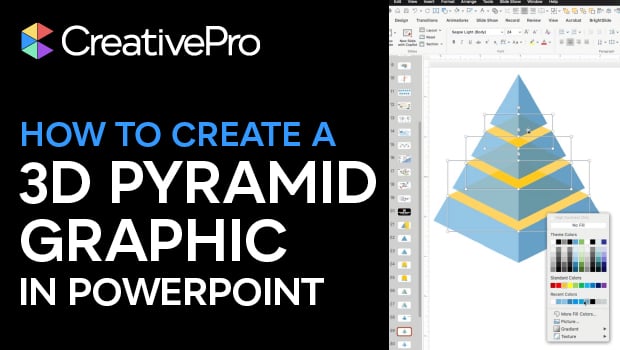
In this PowerPoint how-to video, Mike Parkinson demonstrates how to build a professional-looking 3D graphic using only native PowerPoint tools. Starting from a blank slide, he shows how to use shapes, the Merge Shape options, and careful alignment to construct a multi-level 3D pyramid. Along the way, Mike shares practical tips for working with vector shapes in PowerPoint—no Illustrator required
Download Mike’s PowerPoint file here.
Subscribe to the CreativePro YouTube channel for more helpful design tips!
This article was last modified on February 23, 2026
This article was first published on December 23, 2025
Commenting is easier and faster when you're logged in!

Recommended for you

How To Animate Hand-drawn Text in PowerPoint
Learn how to make an animation follow the path of a line with the Ink Replay fea...

InDesign Magazine Issue 126: Charts and Graphs
We’re happy to announce that InDesign Magazine Issue #126 (October 2019) is...

Super Simple Slide Design: A CreativePro Event Sneak Peek
Learn several easy to implement techniques for punching up the visual interest i...