



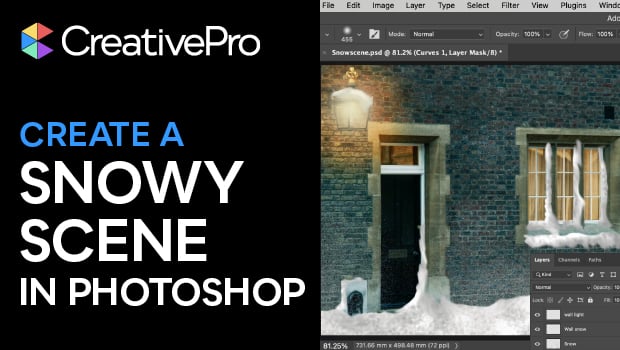
In this Photoshop how-to video, Steve Caplin shows how to turn a basic street photo into a winter wonderland. Using the Lasso tool, Curves adjustment, and layer masks, Steve transforms dark windows into warm glowing lights. Then, he adds fallen snow and snowdrifts using a range of Photoshop brushes, blurs, and effects.
Subscribe to the CreativePro YouTube channel for more helpful design tips!
This article was last modified on December 9, 2025
This article was first published on December 9, 2025
Commenting is easier and faster when you're logged in!

Recommended for you
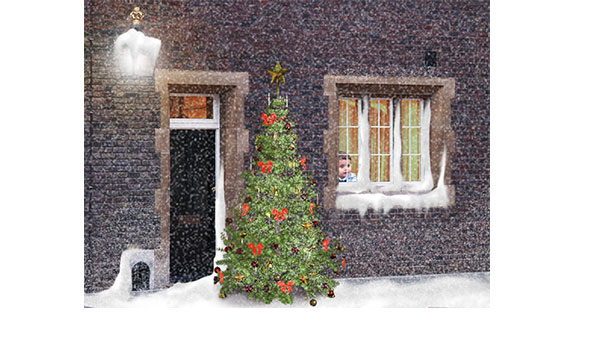
How to Create a Snow Scene in Photoshop
Too late to get your Christmas cards printed? You can still make an email card a...

How to Anchor a Graphic to Text in InDesign
Learn how to anchor a graphic to text in InDesign so that they travel together a...

FourMatch, the lie detector for photos
Back in June, I wrote a story on a new company that was developing software for...