



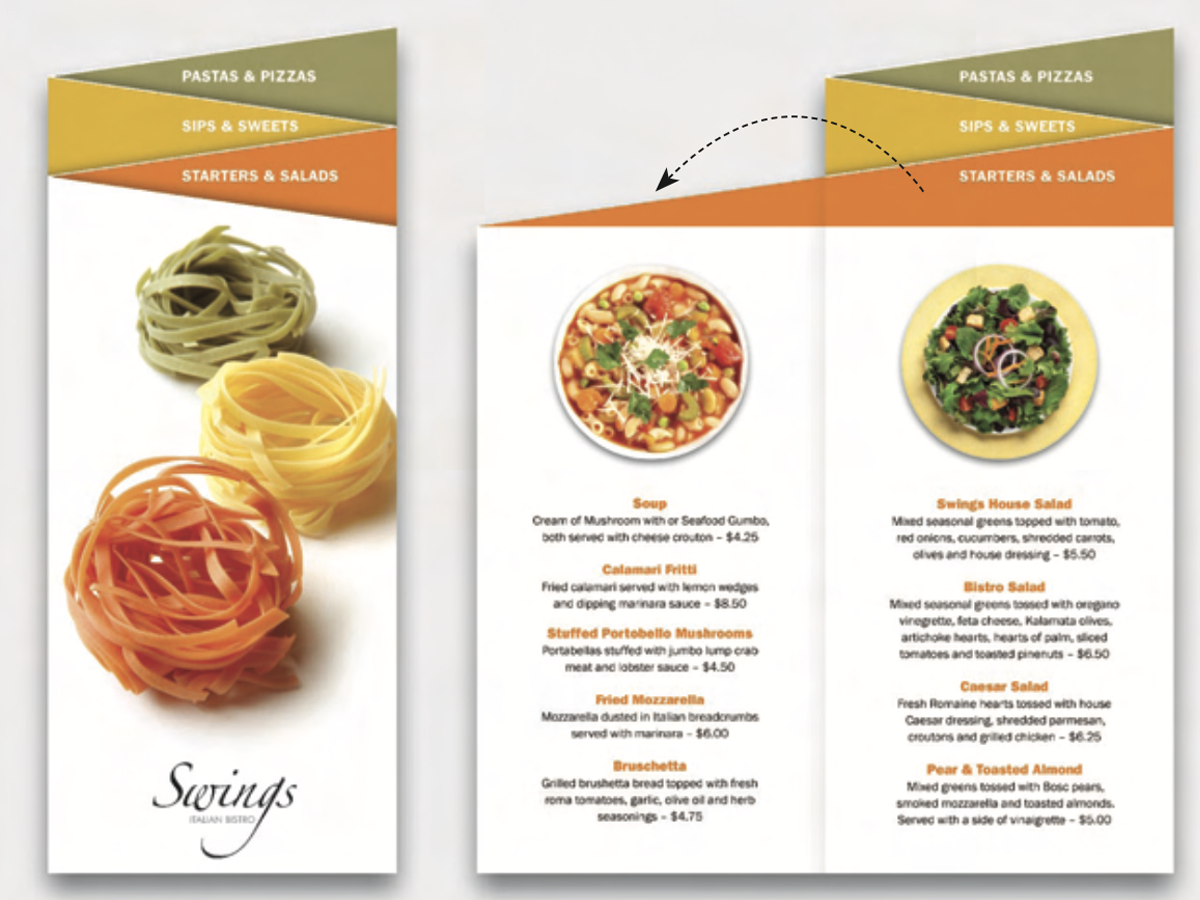
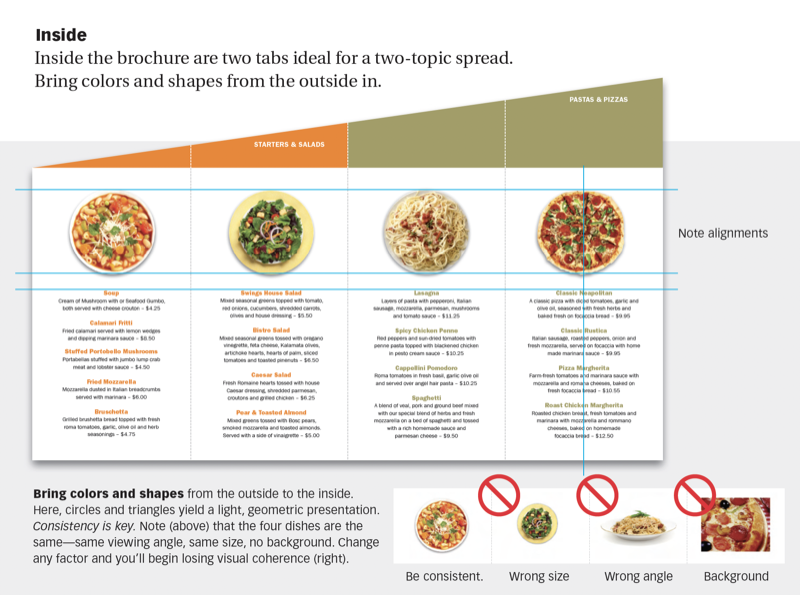
The zig-zag looks so good with so little effort—in small quantities you can even make it on your desktop. Rotate a legal-size sheet into landscape format, straight-cut its top edge at an angle, then fold it like an accordion into four panels. This 13-page article from issue 49 of Before&After Magazine lets you make an energetic design with one diagonal cut.
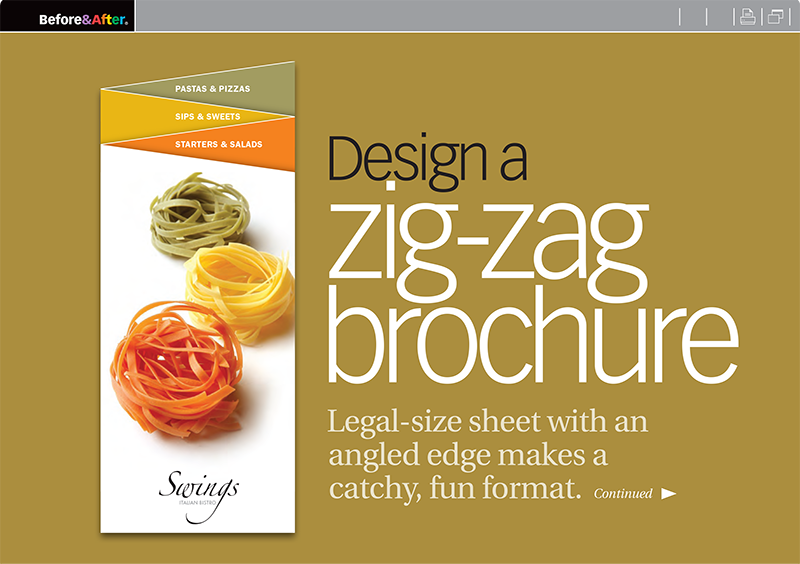
Color-key its zig-zag tabs, and you’ll have an energetic brochure suitable for topics of all kinds.
© John McWade/Before&After Magazine, courtesy of Gaye Anne McWade.
Commenting is easier and faster when you're logged in!

Recommended for you
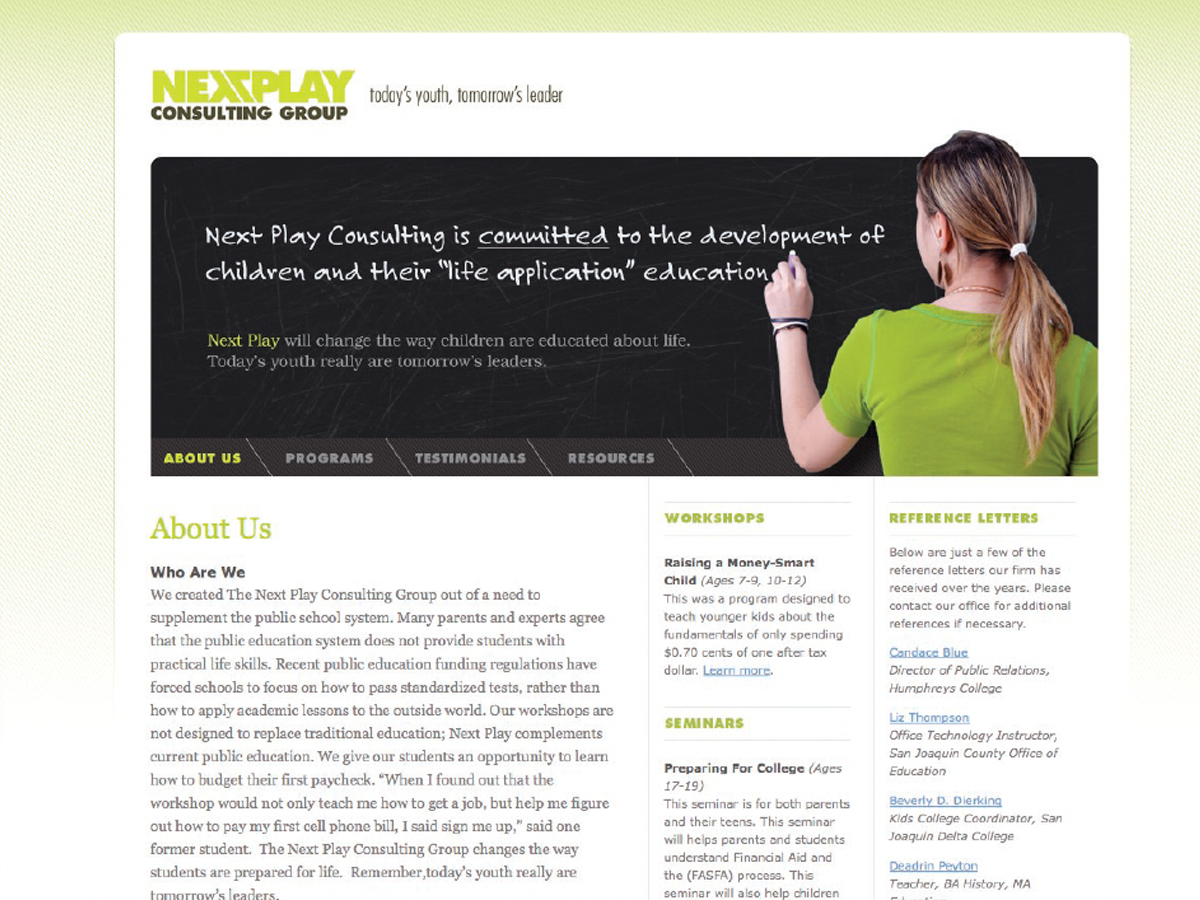
Before&After: Design a Chalkboard Web Banner
Handwriting on a strong design element makes a powerful, simple statement.

Before&After: How to Design Small Calendars
Create eye-catching calendar designs for wallet and desktop.